
Edit, create, and manage PDF documents and forms online Overview 2026

pdfFiller Deal
pdfFiller
About pdfFiller
Edit, create, and manage PDFs online with pdfFiller. Streamline workflows with seamless eSignatures, unlimited cloud storage, and extensive form libraries.
pdfFiller Review — Worth it? Best for Small Businesses & Remote Teams
Struggling with scattered PDFs, slow sign-offs, and clunky form editing? If your team spends more time wrestling documents than getting work done, pdfFiller promises a single place to edit, collaborate, and eSign PDFs without the overhead of heavyweight desktop software. In this review I break down what pdfFiller really delivers, who benefits most, and whether it’s worth your budget.
Quick Product Snapshot
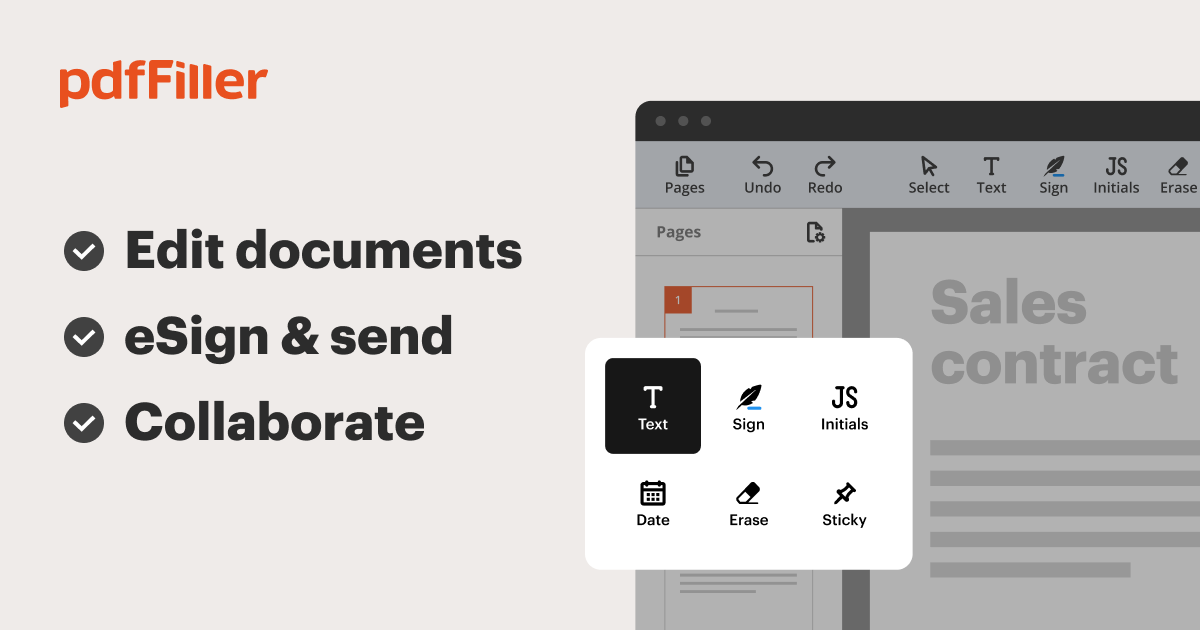 Product: pdfFiller
Brand: airSlate (pdfFiller)
What it does: Online PDF editor, form builder, eSignature and document management
Why pdfFiller could solve your document headaches
Many teams rely on a mix of tools — a PDF editor here, an eSignature tool there, shared drives for templates — which creates friction and version chaos. pdfFiller centralizes PDF editing, form creation, and signing into a browser-based workflow, reducing back-and-forth and speeding approvals. It’s designed to be simple enough for non-technical users while offering enough features for routine business document needs.
Material & Quality (Technology, UI & Reliability)
- Platform & accessibility: Cloud-first web app with dedicated mobile apps (iOS/Android) and Google Workspace integration for quick access from your existing drives.
- Editing & form tools: Drag-and-drop form fields, text editing, image insertion, and template management. Good balance between simplicity and functionality for common form workflows.
- eSignature & compliance: Built-in eSign capabilities with audit trails and signer routing, aimed at legally compliant electronic transactions in typical business contexts.
- Security & support: Standard industry protections such as encrypted transport and account protections. The company emphasizes support — reflected in multiple industry awards for customer service and ease of setup.
- Performance & reliability: Fast, responsive UI for routine tasks. Large or complex PDFs can occasionally feel sluggish depending on browser and connection.
Real-world Experience — Pros & Cons
Pros
- Intuitive editor: Non-technical users can add fields, checkboxes, and signatures in minutes. The interface is clean and task-focused.
- All-in-one workflows: Edit, sign, store, and audit without switching tools — saves time and reduces versioning errors.
- Template & library features: Reuse forms and standard documents easily; helpful for HR packets, contracts, and intake forms.
- Solid customer support: Live support and guided onboarding make initial setup painless for teams.
- Mobile-friendly: Mobile apps let signers complete documents on the go with a usable mobile UI.
Cons
- Advanced PDF editing gaps: If you need pixel-perfect layout edits, preflight, or advanced typography tools, desktop tools like Acrobat still perform better.
- Pricing complexity: Multiple tiers and add-ons can be confusing when comparing feature sets across teams.
- Occasional formatting quirks: Imported complex PDFs (heavy graphics, unusual fonts) can sometimes shift layout or require manual adjustments.
- OCR limitations: While OCR is available, it may not match the accuracy of specialized OCR-first tools on very complex scanned documents.
Quick Comparison: pdfFiller vs. Competitors
| Feature | pdfFiller | Adobe Acrobat DC | PandaDoc / DocuSign |
| Best for | Small teams, HR, admin workflows | Power users, designers, print-ready PDFs | Sales teams and contract-heavy eSign workflows |
| Editing & Form Build | Strong for typical forms | Most advanced | Basic editing, focused on templates |
| eSign & Workflow | Integrated eSign + routing | Includes eSign (paid) | Best-in-class eSign & sales workflows |
| Price vs Value | Good value for SMBs | Higher cost, more features | Priced for sales/enterprise use |
Who Should Use pdfFiller?
- Small-to-medium businesses: Teams that need reliable PDF editing plus eSign without complex desktop setups.
- HR & operations: Onboarding packets, employee forms, and repeatable templates work well in pdfFiller.
- Freelancers & admins: Comfortable budget-friendly option for contracts, invoices, and client forms.
- Remote teams: Good collaboration and audit trails for distributed approvals and signatures.
Bottom line: pdfFiller isn’t trying to replace heavy-duty PDF design software — it aims to streamline everyday document workflows. If you need a fast-to-deploy, easy-to-use platform for editing, signing, and managing PDFs, it’s a very practical choice.
Final Verdict & Call to Action
If your priority is reducing document friction and getting signatures faster with a user-friendly, cloud-based tool, pdfFiller is worth evaluating. It strikes a strong balance between functionality and ease of use for small teams and operations-focused roles. Power users with advanced PDF layout needs may still prefer Acrobat, but for routine business document workflows pdfFiller delivers solid value.
Ready to try? Consider starting with the free trial to test your most common forms and signature workflows. And if you plan to purchase, check out the special discount available when you buy through our store — exclusive pricing and offers may apply for first-time customers. Ask about the promo code when you contact our team to get the best deal.