
Free Online AI Photo Editor, Image Generator & Design tool: Overview
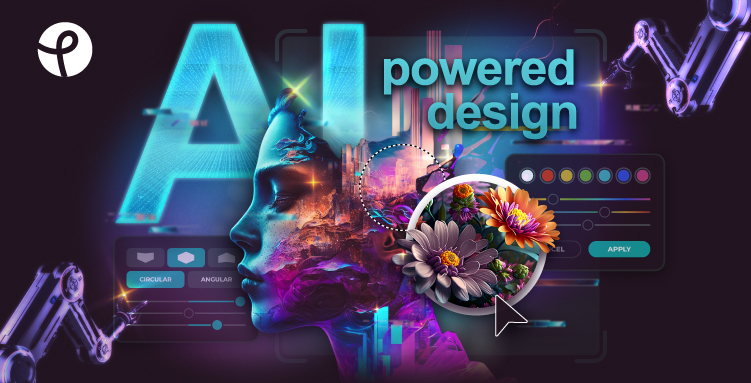
Pixlr.com – Creative AI suite Deal
Pixlr.com – Creative AI suite
About Pixlr.com – Creative AI suite
Get creative with Pixlr’s online photo editing & design tools. Including AI image generator, batch editor, animation design, enhancer & more. Try now for FREE!
Pixlr Review — Worth it? Best for Quick AI-Powered Photo Edits
Struggling to edit images for social media, blog posts, or quick client work without the hassle of heavy software installs? Pixlr aims to solve that by offering a browser-first photo editor with modern AI tools — no download required. In this review I break down what Pixlr does well, where it stumbles, and who should consider paying for the premium features.
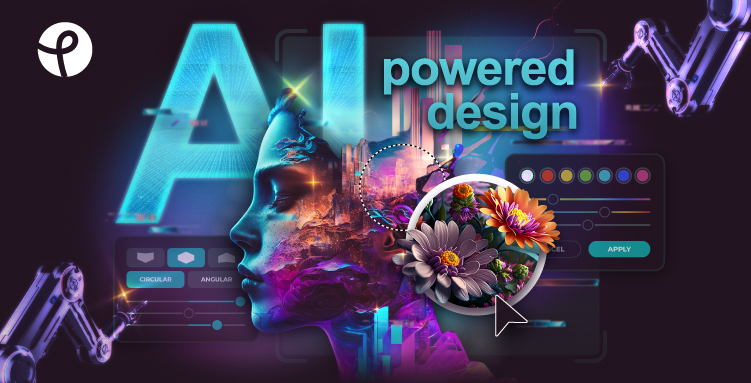
Material & Quality (What Pixlr is made of)
- Platform & access: Web-based editor plus iOS and Android apps — edit on desktop, tablet, or phone with a consistent experience.
- Interface: Clean, modern UI with layered editing (Pixlr E) and a simpler express mode (Pixlr X). Minimal learning curve compared to desktop-heavy tools.
- Core feature set: Standard photo tools (crop, exposure, color, retouch), layers, masks, overlays, templates, and batch edits.
- AI capabilities: AI Image Generator, Generative Fill/Expand, Background Removal, Object Removal, Upscale, Sharpen, Denoise, and Magic Eraser — actively updated.
- File support & output: Common image formats (JPEG, PNG, WebP). Export quality and sizes vary by plan; premium unlocks higher-resolution exports and more formats.
- Security & reputation: Long-standing product with over a decade online; standard privacy/security practices and active maintenance.
Real-world Experience — Pros & Cons
Below are practical impressions from using Pixlr for social assets, quick retouches, and small batch jobs.
Pros
- Fast and accessible: Open your browser, upload an image, and start editing — no install or powerful hardware required.
- Powerful AI tools: Background removal, object erase, and generative fill work impressively well for quick fixes and compositing tasks.
- Beginner-friendly: Templates and guided tools make it easy for non-designers to produce polished results quickly.
- Cross-device workflow: Start on desktop and continue on mobile without a drastically different interface.
- Free tier is useful: Great for occasional edits; many core tools available without creating an account.
Cons
- Ads and limitations on free plan: The free version includes ads and restricts access to advanced AI and high-resolution exports.
- AI edge cases: Generative fills and complex object removals can leave artifacts or require manual cleanup for professional outputs.
- Performance on very large files: Browser limits make extremely large RAW files or very high-res projects slower than native desktop apps.
- Feature depth vs. Photoshop: While feature-rich, Pixlr lacks some deep, studio-grade tools pro retouchers expect (advanced color management, smart objects, extensive plugin ecosystem).
Quick Comparison
| Tool | Strengths | When to pick it |
|---|---|---|
| Pixlr | Fast browser access, strong AI features, easy for beginners | Social graphics, quick edits, small businesses, bloggers |
| Adobe Photoshop | Industry-standard, advanced editing, deep color and asset control | Professional retouching, print work, complex compositing |
| Canva | Template-first design, collaborative elements, simple motion/branding tools | Marketing teams, template-based social media, non-designers needing layouts |
Who Should Use Pixlr?
- Content creators & influencers: Need fast, eye-catching edits for social media without learning complex software.
- Small businesses & solopreneurs: Produce marketing images, banners, and product photos on a budget.
- Bloggers & marketers: Quick resizing, background removal, and simple compositing for blog and ad images.
- Hobbyist photographers: Want good results without the steep Photoshop learning curve.
- Teams on the go: Need cross-device access and faster turnarounds than traditional desktop workflows.
Final Verdict
Pixlr is a very capable online photo editor that strikes a strong balance between usability and modern AI-driven features. If your work is focused on social content, marketing images, or quick client turnarounds — and you value speed and convenience — Pixlr is worth trying. For high-end retouching or print-heavy workflows, desktop tools like Photoshop will still be necessary, but Pixlr handles 80–90% of everyday editing tasks faster and more affordably.
Bottom line: Excellent for quick, AI-enhanced edits and anyone who needs a capable editor without the desktop complexity.
Special Offer (Call to Action)
Want to try Pixlr Premium at a discount? Use the exclusive code MYSTORE10 at checkout when you purchase through my store to get a limited-time savings on Pixlr Plus or Premium plans. The free tier is solid for testing — upgrade only if you need advanced AI tools or ad-free high-res exports.
If you want, I can walk through a short workflow using Pixlr to remove backgrounds, fix lighting, or generate an image with AI — tell me which task and I’ll outline the steps.