
Taking a Look at GitMind - AI Powered Mind Map, Flowchart, Whiteboard.
GitMind Deal
GitMind Deal
GitMind
About GitMind
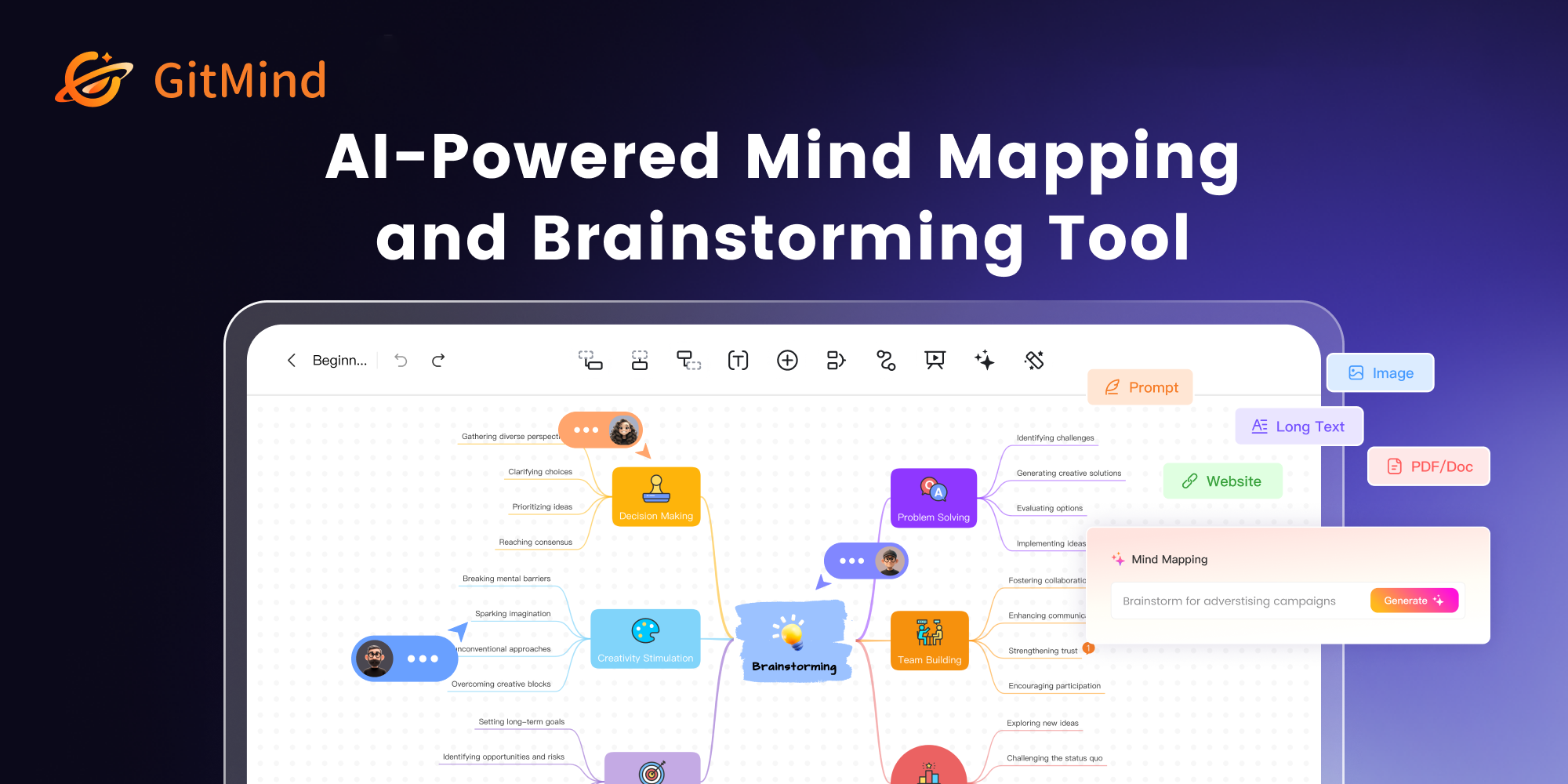
GitMind is a free AI-powered mind mapping & brainstorming app. Create and collaborate on mind maps online in real-time. The easiest way to make project plan, take notes, flowcharts, org charts, UML diagrams and more.
GitMind Review — Worth it for Mind Mapping, Flowcharts, and Quick Brainstorms?
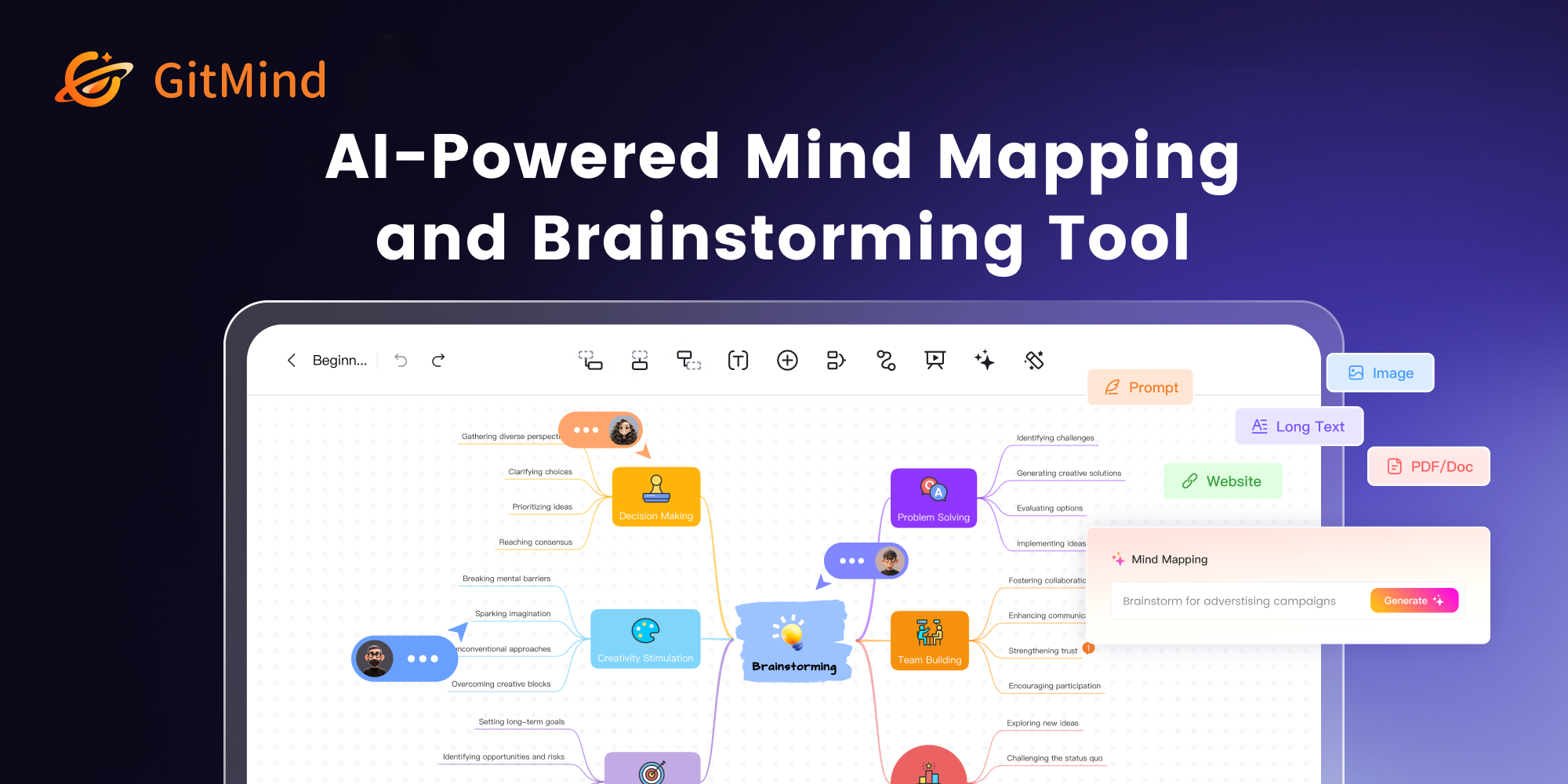
Struggling to organize ideas, plan projects, or turn a chaotic brainstorming session into a clear plan? Many teams and individuals juggle multiple tools—one for notes, another for diagrams, and yet another for collaboration. GitMind aims to consolidate those needs into a single, AI-assisted mind mapping and flowchart app. This review looks at whether GitMind delivers a usable, reliable solution for getting ideas out of your head and into structured visual plans.
Material & Quality (UI, Features, Reliability)
- User interface: Clean, minimal web-based UI that gets out of the way. Panels for nodes, styles, and templates are straightforward; learning curve is short for basic maps.
- Platform & access: Web-first app with real-time collaboration. Works well in modern browsers without heavy installs; mobile browser access is usable for quick edits.
- Core features: Mind maps, flowcharts, basic whiteboard tools, templates, and an AI-assisted flow for generating starter maps or reorganizing nodes.
- Export & sharing: Exports to common formats for reports and presentations (image and document formats), shareable links for viewing and editing, and simple embed options.
- Performance & stability: Responsive for small-to-medium diagrams. Very large maps can slow the interface depending on browser and device memory.
- Security & backups: Cloud-synced projects with standard account-based storage. Good for day-to-day professional use, though enterprise teams should confirm compliance needs.
Quick specs at a glance
- AI-assisted generation for rapid map creation
- Real-time collaboration with comment/mention support
- Template library for project plans, org charts, flowcharts
- Export to image/PDF (and common formats)
- Free tier plus paid upgrades for additional features
Hands-on Experience — Pros & Cons
The following reflects a practical testing perspective: how it feels to build, edit, and share work when time and clarity matter.
Pros
- Fast idea capture: Creating nodes and branches is quick. Keyboard shortcuts and auto-layout save time during live brainstorming.
- Helpful AI assistance: AI suggestions for structure and labels make the first draft less daunting—especially useful when you’re starting from a vague concept.
- Templates speed up routine work: Project plans, SWOT, and basic flowchart templates remove setup friction.
- Collaboration is straightforward: Multiple users can edit in real time; change tracking and comments improve remote teamwork.
- Good free tier: Enough functionality for individuals and small teams to evaluate and use without immediate upgrade pressure.
Cons
- Limited advanced diagramming: If you need complex UML, advanced swimlanes, or heavy diagram customization, GitMind can feel basic compared with specialized diagram tools.
- Performance hits on massive maps: Very large or deeply nested maps can slow browser responsiveness.
- Export control: Export options are solid for most uses, but there are fewer fine-grained layout/export tweaks than you’d find in premium diagram tools.
- Offline use is limited: Primarily web-based, so offline editing is not a core strength.
Quick Comparison
| Product | Best for | Pros vs GitMind | Where GitMind wins |
|---|---|---|---|
| Miro | High-collab whiteboarding & large-scale workshops | More robust whiteboard features, apps ecosystem | Simpler to learn and better for straightforward mind maps/flowcharts |
| MindMeister | Focused, feature-rich mind mapping | Specialized mind-mapping features and integrations | Better free tier and AI-assisted quick starts for non-experts |
Who Is GitMind Best For?
- Busy professionals who need to turn meeting notes into clear visuals quickly.
- Students and educators looking for an easy-to-use mind mapping tool for study and lesson planning.
- Small teams needing simple real-time collaboration without the overhead of heavy whiteboard platforms.
- Freelancers and solo creators who prefer a low-friction web app with a useful free tier.
Final Verdict — Worth it?
If your goal is to capture ideas quickly, structure thoughts, and share simple diagrams with teammates, GitMind is worth trying. It’s especially strong for users who value speed, ease of use, and AI-driven help to kickstart maps. For deep technical diagramming, enterprise governance, or extremely large collaborative canvases, you may prefer a more specialized tool.
In short: Great for everyday mind mapping and lightweight team collaboration — a smart, budget-friendly choice for most individuals and small teams.
Special Offer
Thinking about upgrading to Pro? We have a limited-time offer for readers: use code GITMIND10 at checkout when you purchase via our store to get an extra discount on your first upgrade. Check our store page for details — the code is valid for a short time.
Recommendation: Try the free tier to see how it fits your workflow. If you rely on quick idea capture and simple team collaboration, GitMind is a practical, cost-effective choice.