
Personal Password Manager Pricing | Dashlane: What to Know
Dashlane Deal
Dashlane Deal
Dashlane Deal
Dashlane
About Dashlane
Top-rated password manager and credential protection solution for enterprises, businesses, and individuals.
Dashlane Premium Review — Worth it? Best for security-conscious, busy people
If you’re tired of juggling weak passwords, getting locked out of accounts, or worrying about phishing and the dark web, a reliable password manager can remove a lot of daily friction — and protect you. Dashlane Premium aims to be a one-stop solution: password vault, autofill, dark web monitoring, a built-in VPN, and AI-powered scam protection. This review walks through what it delivers in practice so you can decide: is Dashlane Premium worth it?
Why Dashlane might solve your problem
- Centralizes all passwords and sensitive notes so you don’t memorize or reuse logins.
- Autofills logins and credit cards across desktop and mobile, saving time and keystrokes.
- Monitors breaches and suspicious sites in real time so you can act before damage happens.
- Includes extras (VPN, secure sharing, passwordless mobile access) that reduce the need for separate subscriptions.
Material & Quality (Architecture, Build & UX)
Security architecture: Dashlane uses a zero-knowledge model and AES-256 encryption for vault data. The product highlights a U.S.-patented security architecture and personalized breach alerts — meaning Dashlane can identify compromised credentials stored in your vault and advise remediation.
Core features and quality:
- Password vault: Clean, well-organized UI across macOS, Windows, iOS, Android, and browser extensions (Chrome, Edge, Safari, Firefox). Import/export and bulk-edit features make setup painless.
- Autofill & generator: Autofill is fast and accurate on most sites. The password generator creates strong credentials and replacing weak ones is straightforward.
- Sync & devices: Sync across unlimited devices on Premium — generally reliable, with occasional minor delays reported during large vault imports.
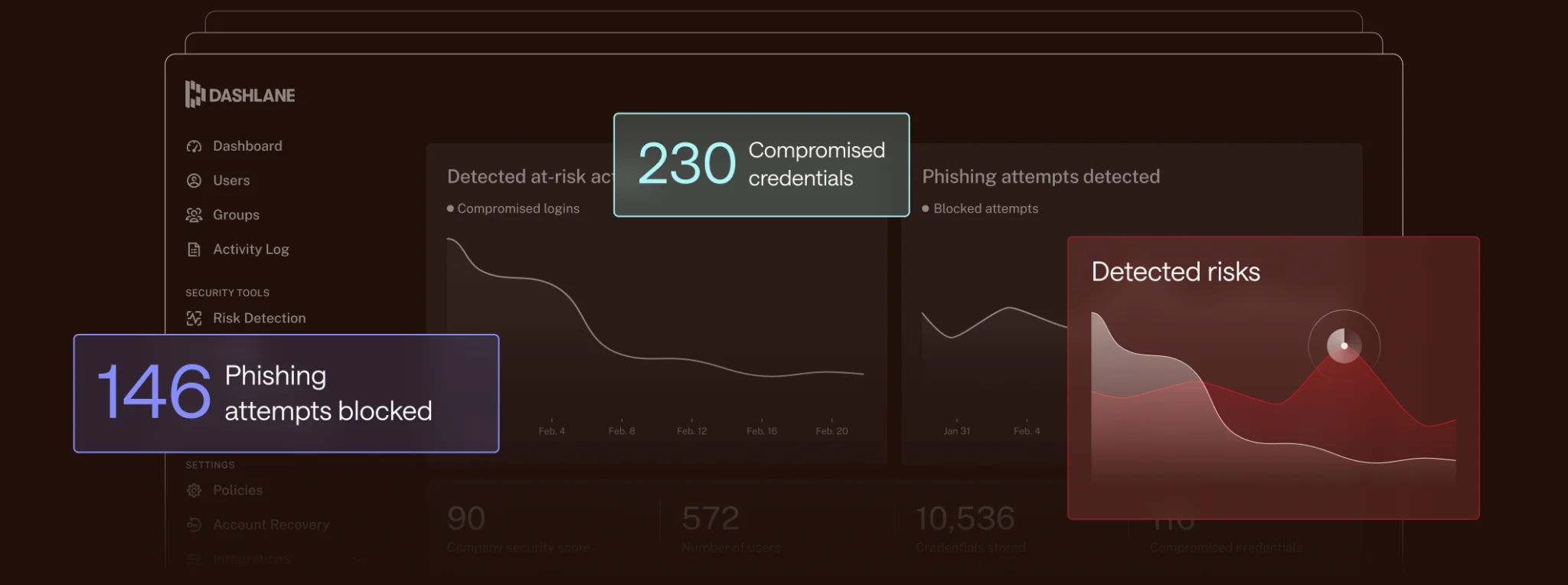
- AI-powered Scam Protection (Omnix): Real-time phishing detection on desktop warns you before entering credentials on suspicious sites — a standout for protecting against new scams.
- Extras: Built-in VPN for Wi-Fi protection, dark web monitoring, secure sharing, and passwordless mobile access for new users (biometric or PIN).
Real-world experience — Pros & Cons
Pros
- Fast day-to-day use: Autofill and instant login work reliably on banking, shopping, and social sites. Saves minutes every day.
- Strong protection: Zero-knowledge AES-256 vault, dark web alerts, and personalized breach notifications give real confidence.
- Helpful extras: The included VPN and AI phishing alerts reduce the number of separate security tools you need.
- Cross-device UX: The apps and browser extensions feel polished and consistent; mobile biometric unlock is smooth.
- Secure sharing: Sharing passwords or secure notes with family or colleagues is encrypted and straightforward.
Cons
- Price: Premium sits toward the higher end of consumer password managers. Value depends on whether you use the VPN and premium monitoring.
- VPN limitations: VPN included, but documentation/plan details sometimes limit simultaneous use (check plan specifics). VPN speeds can vary by server.
- New features roll-out: Passwordless mobile login and some AI features are rolling out and may not be available uniformly to all existing users right away.
- Edge cases: On very complex or unusual login flows (some enterprise SSO pages), autofill occasionally needs manual correction.
In short: Dashlane Premium delivers excellent everyday convenience and strong security. The real differentiators are the AI phishing alerts and the bundled VPN — useful if you’ll actually use both.
Quick comparison: Dashlane Premium vs. 1Password vs. LastPass
| Feature | Dashlane Premium | 1Password | LastPass (paid) |
|---|---|---|---|
| Unlimited passwords & devices | Yes | Yes | Yes (paid) |
| Built-in VPN | Yes | No | No |
| Dark web / breach monitoring | Yes | Yes (Watchtower) | Yes |
| AI phishing / real-time site warnings | Yes — real-time | No (focuses on vault security) | Limited |
| Family sharing & admin tools | Family plan available | Excellent family & team features | Good family features |
Quick take: If you value an integrated VPN and real-time phishing protection, Dashlane stands out. If your priority is feature depth for families or offline-first workflows, 1Password might edge it out. LastPass remains a familiar option but has drawn scrutiny from some users after past incidents — worth evaluating current security posture and trust before committing.
Who should buy Dashlane Premium?
- Busy professionals who log in to many work and personal accounts daily and want one tool to save time.
- Frequent travelers or remote workers who use public Wi‑Fi and would use the VPN.
- People who worry about phishing and want real-time site protection before they enter credentials.
- Households that want easy secure sharing and everyone on multiple devices.
Final verdict — Worth it?
Dashlane Premium is worth considering if you’ll use its bundled features (VPN, breach monitoring, AI phishing alerts) and value polished cross-platform autofill and secure sharing. For someone who only needs a straightforward password vault, a lower-cost alternative may be sufficient. For users who prioritize integrated web protection and convenience across devices, Dashlane Premium is one of the stronger turnkey options on the market.
Special offer — call to action
If you’re ready to try Dashlane Premium, we have an exclusive offer through our store: use code DASHSTORE20 at checkout for a special discount or bonus trial period (available for a limited time). No links are required — just enter the code when you subscribe in the Dashlane checkout. If you want, reply and I’ll confirm the exact steps to redeem the promo.
Need help choosing between plans or migrating an existing vault? Tell me how many devices and family members you want to cover and I’ll recommend the best setup and walk you through the switch.