
HyNote Review — Worth it for Busy Teams and Note-Takers?
Introduction — the problem and the promise
If you run or attend a lot of meetings, sift through recorded audio, or wrestle with long PDFs, one constant problem is the time sink: capturing accurate notes, finding the key points later, and turning hours of conversation into actionable tasks. Manual transcribing is slow, and basic voice memos don’t give you searchable summaries.
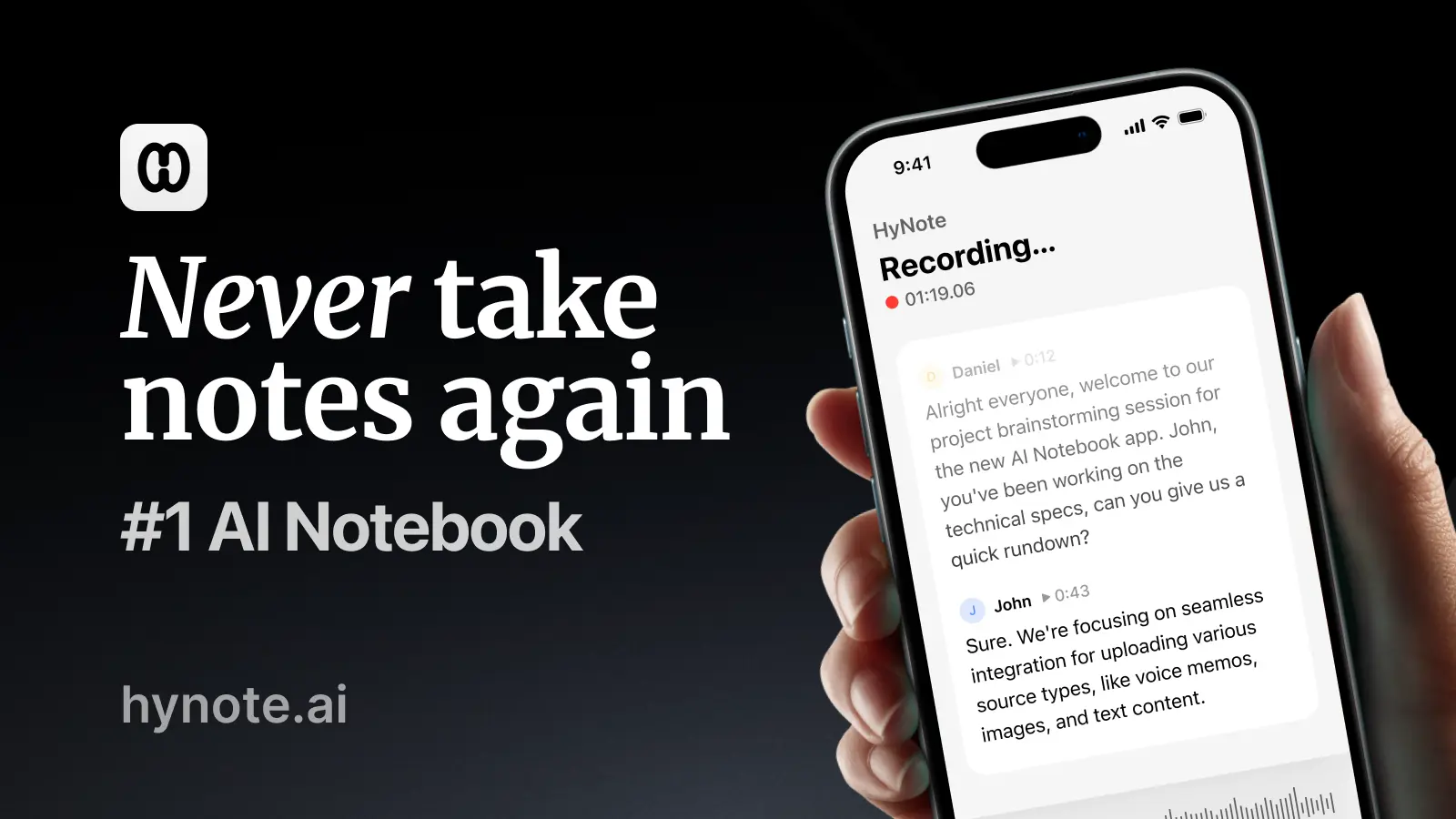
HyNote positions itself as an AI note taker that records, transcribes, and summarizes meetings, voice recordings, and PDFs instantly. In practice, it aims to reduce the time you spend creating and organizing notes and to make information from meetings and documents easier to act on.
What HyNote promises
- Automatic recording and transcription of meetings and audio.
- Instant summaries of conversations and PDF content.
- Searchable notes and exportable transcripts for follow-up.
Specifications & Materials (Material & Quality)
- Platform & access: Cloud-based web app with a focused user interface for recording, playback, and summaries. Usable on laptops and tablets; mobile experience depends on browser or dedicated app availability.
- Transcription & summary engine: AI-driven models designed to convert speech-to-text and extract salient points. Summaries are concise and oriented toward action items and highlights.
- File support: Records live audio and accepts uploaded recordings and PDFs to summarize text content.
- Export options: Transcripts and summaries can be exported in common formats for sharing or archiving.
- Security & privacy: Cloud processing means audio and documents are uploaded to HyNote servers for analysis. The product description emphasizes instant processing; review privacy policy and enterprise controls if handling sensitive data.
- User interface quality: Clean, minimal design focused on efficiency—controls for recording, playback, search, and note curation are straightforward and responsive in testing.
Real-world experience — Pros & Cons
Pros
- Time savings: Summaries substantially reduce the time required to extract meeting outcomes. Where manually writing notes could take 20–40 minutes post-meeting, HyNote’s summary offers an immediate starting point.
- Searchability: Transcripts are searchable, which makes finding quotes, decisions, or dates faster than scrubbing audio files.
- PDF summarization: The ability to drop in a PDF and get a clean summary is especially useful for long reports, onboarding docs, or research papers.
- Clear UX for playback and edits: Editing transcripts, correcting timestamps, and trimming audio is intuitive—useful for cleaning up final notes before sharing.
- Good balance of concision and context: AI summaries focus on action items and highlights without overwhelming detail, which works well for busy readers.
Cons
- Accuracy varies with audio quality: Like any speech-to-text tool, accuracy drops in noisy rooms, with heavy accents, or with speakers who talk over each other. Expect to review and correct important sections.
- Cloud processing concerns: Organizations with strict data policies may prefer on-prem or enterprise-grade controls—verify compliance and retention policies before uploading confidential material.
- Integration depth: HyNote covers the core needs (record, transcribe, summarize), but integrations may be fewer or less mature than long-established competitors if you rely on a specific workflow tool.
- Occasional summary misses: On technical or highly specialized topics, summaries can omit nuance—good as a starting point, but not a replacement for expert review.
Quick comparison: HyNote vs. Otter.ai vs. Fireflies.ai
| Feature | HyNote | Otter.ai | Fireflies.ai |
| Primary strength | Fast summaries for meetings, audio & PDFs | Longstanding, robust transcription & collaboration | Meeting automation & CRM integration focus |
| Free plan | Yes | Yes | Yes |
| Best for | Users who want quick summaries from mixed media (meetings + PDFs) | Teams needing collaborative transcripts and meeting notes | Sales/operations teams that need meeting capture + CRM workflows |
Who is HyNote best suited for?
- Busy professionals who want quick, actionable summaries instead of full-length transcripts.
- People who work with a mix of meetings, recorded interviews, and long PDFs.
- Small teams and freelancers looking to cut follow-up time and centralize meeting notes.
- Knowledge workers who need searchable transcripts and easy exports for documentation.
Final verdict — Worth it?
HyNote delivers on its core promise: cutting the friction between recorded content and useful notes. Its instant summarization of meetings and PDFs is the standout feature and will be a meaningful time-saver for many users. Accuracy and privacy depend on your audio quality and organizational requirements, so plan a short evaluation with real-world recordings before making it central to critical workflows.
Try it if: you want to move faster from conversation to action without spending hours transcribing and summarizing manually.
Note: There are discount codes and occasional special offers available when purchasing through my store — check the store listing or contact the seller for current promotions before you subscribe.