
TalkingPets.ai Deal
TalkingPets.ai Deal
TalkingPets.ai Deal
TalkingPets.ai
About TalkingPets.ai
Talking pet app to create hilarious videos of your cat or dog talking and singing. Upload a photo, add voice & music with our AI video generator. Start free on web or iPhone!
Talking Pet App Review — Make Your Pet Talk & Sing (TalkingPets.ai)
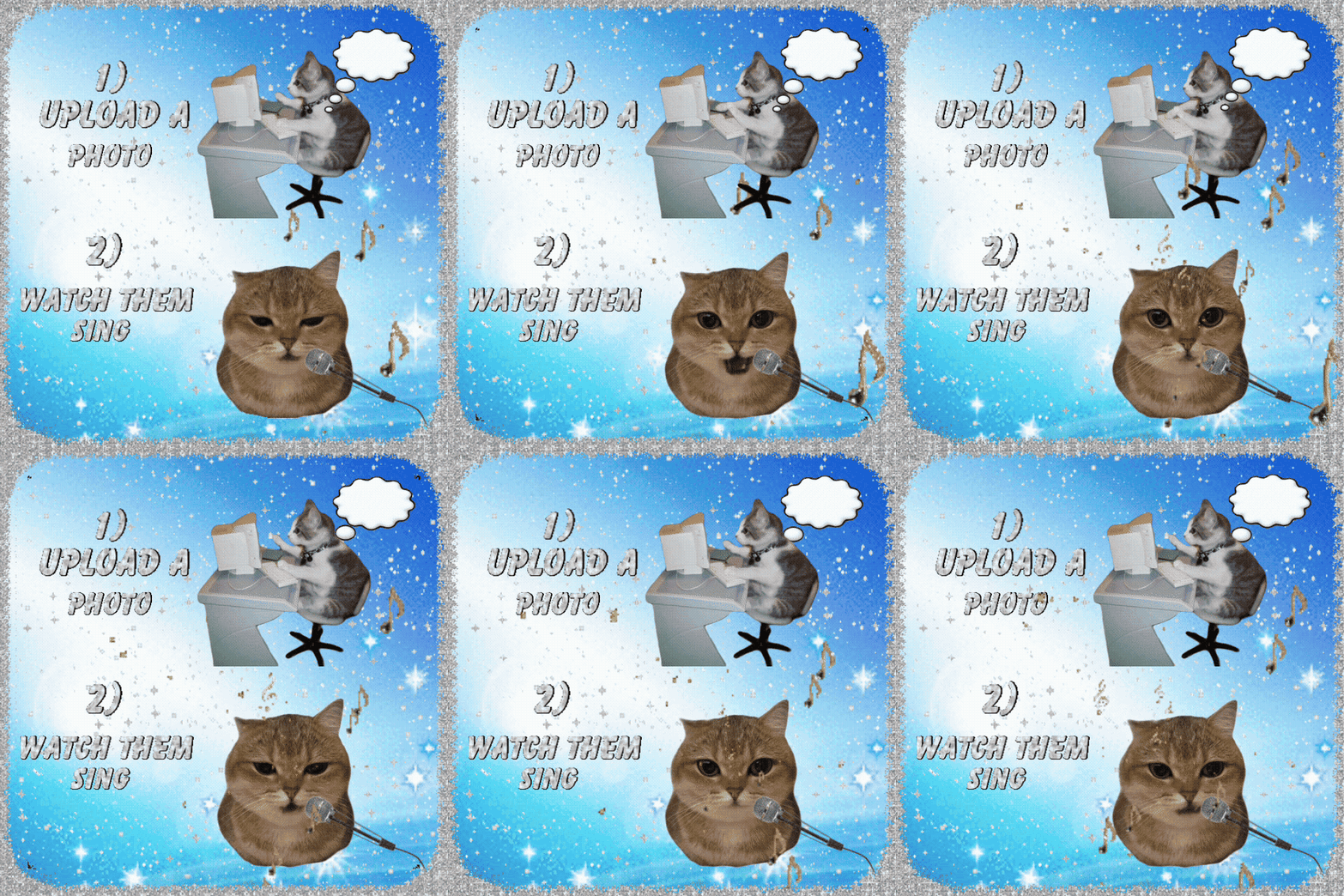
TalkingPets.ai is an AI-powered talking pet app that turns photos of cats, dogs, and other pets into short animated videos with realistic lip-sync, voice, and music. Whether you want a hilarious social post, a personalized message, or a playful greeting, the app promises quick results and easy sharing — free on the web and available on iPhone.
Why this app matters
If you’ve ever wanted your pet to “say” something funny or sing along to a song, the technology to do it used to be expensive or hard to use. TalkingPets.ai puts that capability in the palm of your hand. It uses AI video generation to animate a still photo, sync lips to speech or music, and produce a shareable clip in minutes.
Quick overview — what TalkingPets.ai does
- Upload a photo of your pet (face-forward photos work best).
- Choose a voice or record your own message.
- Add background music or select a popular tune.
- Generate an AI-powered animated video where your pet talks or sings.
- Download or share the final clip on social media.
How it works — a simple 4-step process
Designed for non-technical users, the process is straightforward:
- Select or upload a clear photo of your pet.
- Pick a voice preset or record live audio.
- Adjust timing, expression, and music level (basic editor).
- Export the video and save or share.
Key features and real-world benefits
1. AI lip-sync and facial animation
The core feature is accurate lip-sync that maps speech to the pet’s mouth movements. The result looks natural and funny without needing manual frame-by-frame editing.
- Benefit: Create believable talking clips in seconds.
- Real use: Make a birthday message “from” your dog or cat for friends and family.
2. Multiple voice options and custom recording
Choose from a library of voice styles or record your own voice to personalize the message.
- Benefit: Add emotional or comedic tone easily.
- Real use: Record a short warning or joke — your pet “responds” in their own voice.
3. Music integration and lip-synced singing
Add background tracks or select built-in songs. The AI syncs the pet’s mouth to the melody so your pet can “sing.”
- Benefit: Create entertaining social clips or reels with minimal effort.
- Real use: Holiday carols sung by your cat, or a birthday remix performed by your pup.
4. Simple editor and export options
A compact editor lets you trim clips, set timing, and balance voice vs. music. Export formats are optimized for social platforms.
- Benefit: Fast sharing without third-party tools.
- Real use: Create Instagram Reels or TikTok-ready videos in one step.
5. Privacy and local control (what to expect)
The app prompts for a single photo upload and the audio you provide. Always check permissions and built-in privacy notes before uploading sensitive images.
- Benefit: Control which photos you use and who sees the generated video.
- Real use: Keep family pet moments private or choose to post publicly.
Pros and cons — a quick comparison
| Pros | Cons |
|
|
Who should use TalkingPets.ai?
- Pet owners who want quick, shareable videos for social media.
- Small creators and marketers seeking playful content ideas.
- Anyone looking for a fun, lightweight AI app to personalize greetings or promos.
Who should look elsewhere
- Users who need full video editing suites or advanced motion controls.
- Professionals requiring studio-grade visual effects and high-resolution exports.
- Those uncomfortable uploading personal photos to an online service (unless privacy terms suit you).
Pricing & availability
TalkingPets.ai offers a free starting tier on the web and an iPhone app. Expect paid tiers or in-app purchases for higher-resolution exports, more voice presets, or commercial usage rights. Check the app store listing or web interface for current pricing and export limits.
Tips for best results
- Use a clear, high-resolution, front-facing photo of your pet.
- Keep recordings short (5–15 seconds) for natural lip-sync.
- Experiment with voice presets and music balance to match tone and humor.
- Trim silent parts before exporting to avoid awkward pauses in the animation.
Final verdict
TalkingPets.ai is an enjoyable, approachable talking pet app that delivers funny, shareable videos with minimal effort. Its strengths are speed, ease of use, and convincing lip-sync that turns a simple photo into an engaging clip. It’s perfect for pet owners, casual creators, and anyone who wants to add personality to social posts.
If you need advanced editing or studio-level output, this app won’t replace professional software. But for quick laughs, personalized greetings, and social content, TalkingPets.ai is worth trying — especially since you can start for free on the web or iPhone.
Recommendation: Try it if you want a mobile-first, AI video generator to make your pet talk or sing. Skip it if you need advanced VFX or professional video production features.
Short FAQ
Is the app free? There is a free tier to get started; premium features may be paid.
Which pets work best? Cats and dogs with clear frontal photos work best, but the app supports other animals too.
Can I use my own voice? Yes — you can record custom audio that the app will lip-sync to your pet’s photo.
Ready to make your pet talk? Upload a photo, pick a voice, and watch the magic.