
Shop Wondershare PDFelement for Windows (Individuals Plan): Complete Review
Wondershare PDFelement Deal
Wondershare PDFelement
About Wondershare PDFelement
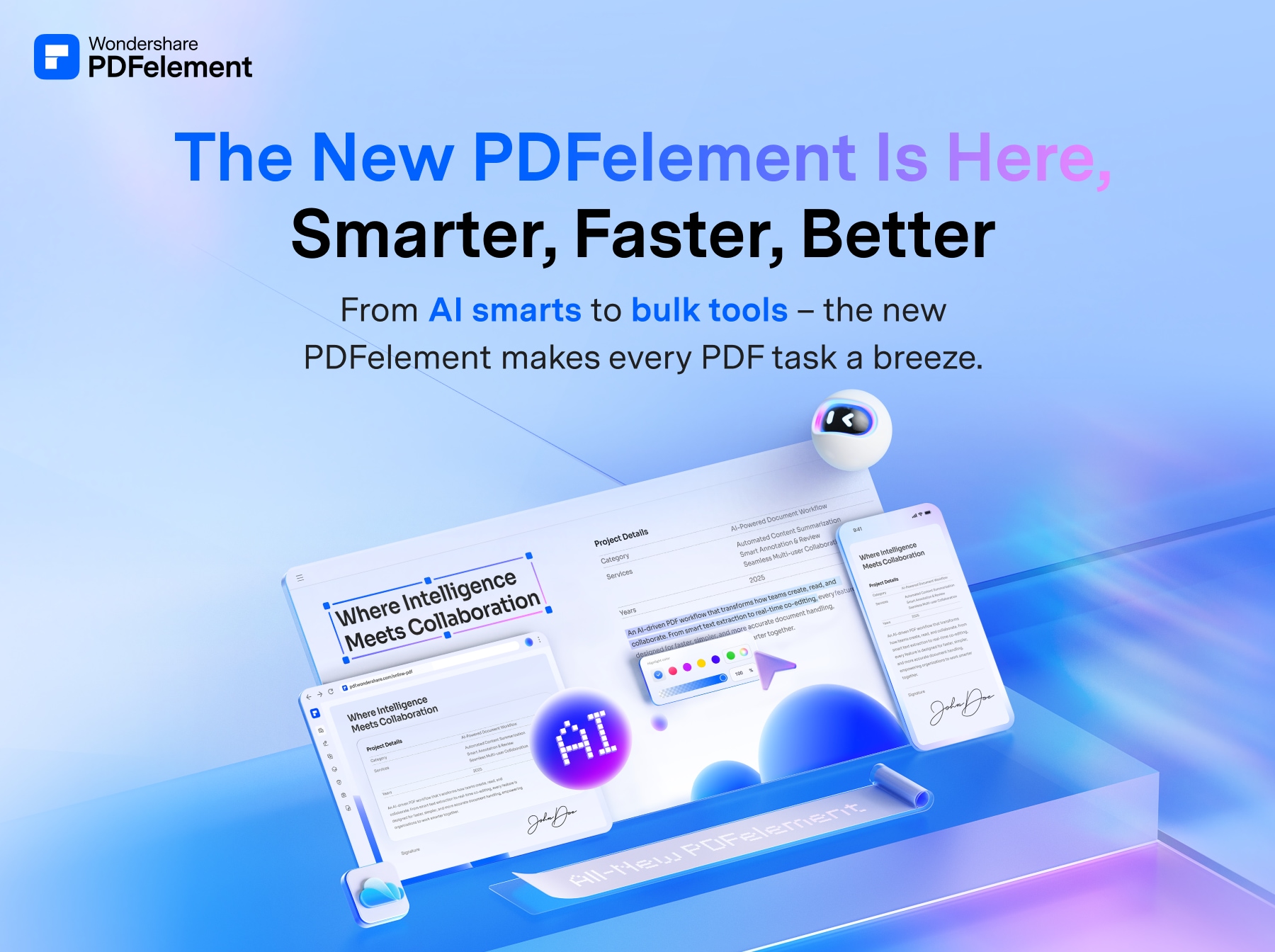
Wondershare PDFelement is a powerful yet easy-to-use PDF editor solution to create, edit, protect, and sign PDFs on desktop, mobile, and web.
Wondershare PDFelement for Windows Review — Worth it? Best for Individual Users and Small Teams
If you work with PDFs every day — editing contracts, filling forms, extracting text from scans, or preparing documents for signatures — you need a tool that’s fast, reliable, and doesn’t require a training course. Wondershare PDFelement for Windows (Individuals Plan) positions itself as a budget-friendly, full-featured alternative to the big-name PDF suites. This review breaks down what it does well, where it stumbles, and whether it’s the right fit for your workflow.
Why consider PDFelement?
Common problems users face: bloated software, high subscription costs, poor OCR, and clunky editing tools that make quick changes a chore. PDFelement aims to solve these by offering a modern interface, core PDF features (edit/convert/OCR/forms/sign), and a lower price point than Adobe Acrobat — all in a lightweight Windows app.
Material & Quality (Software Build, UI, Performance)
- UI and design: Clean, ribbon-style interface that feels familiar to Office users. Tools are logically grouped and easy to find.
- Stability & speed: Generally responsive on modern Windows machines. Opening and editing normal-sized documents is quick; very large or heavily scanned documents can be slower and occasionally trigger memory warnings.
- Feature set quality: Strong editing tools (text, images, font matching), reliable conversion to Word/Excel/PowerPoint, decent OCR accuracy for common languages, and usable form creation and data extraction.
- Integration & file handling: Good support for common file types and straightforward export options. Integration with cloud services is available but less seamless than some enterprise-focused competitors.
- Updates & support: Regular updates with feature improvements; customer support is responsive, though advanced troubleshooting may take longer than premium-tier services.
Real-World Experience — Pros & Cons
Pros
- Intuitive editing experience: text and object edits feel natural; font matching usually preserves layout.
- Affordable for individuals: offers most productivity features you need without the premium Acrobat price tag.
- Solid OCR for everyday use: good accuracy for scanned contracts, receipts, and printed documents; editable output is useful for quick corrections.
- Form tools and data extraction: create fillable forms and export responses without extra plugins.
- Batch processing and conversion: helpful for bulk tasks like converting multiple PDFs to Word or extracting images.
Cons
- Advanced features limited: some enterprise-oriented workflows (complex redaction rules, advanced preflight/PDF/A compliance) are more refined in Acrobat.
- OCR limitations with poor-quality scans or handwriting: accuracy drops with low-resolution or skewed documents.
- Performance on huge files: extremely large PDFs with many images can be sluggish compared with high-end solutions.
- Occasional UI quirks: a few tool behaviors require a quick relearn if you switch from other editors.
Quick Comparison
| Feature | PDFelement (Individuals) | Adobe Acrobat Pro DC | Foxit PDF Editor |
| Core Editing | Excellent for most users | Best-in-class | Very good |
| OCR | Reliable for standard scans | Most accurate, advanced options | Good |
| Advanced compliance & preflight | Limited | Comprehensive | Moderate |
| Price (Individuals) | Most affordable | Highest | Competitive |
Who Is This Best For?
- Individuals and freelancers who need powerful PDF editing without enterprise pricing.
- Small business owners and admins handling contracts, invoices, and forms regularly.
- Students and educators who need reliable conversion and annotation tools.
- Anyone who wants a practical OCR solution for digitizing printed documents.
In short: PDFelement hits the sweet spot for most users who need strong PDF features at a reasonable price. It may not replace Acrobat in enterprise settings, but for day-to-day PDF work it’s a very compelling alternative.
Recommendation & Final Verdict
If your needs center on editing, converting, OCRing, filling and signing PDFs — and you prefer a lighter wallet impact — PDFelement for Windows (Individuals Plan) is worth trying. It balances capability and cost well, and the interface reduces friction during common tasks.
Special offer
If you decide to purchase, buying through my store may get you an exclusive discount. Use the promo code REVIEW10 at checkout (limited-time offer) for an extra 10% off the Individuals Plan. Check the store listing for current bundle deals or trial options before you buy.
Bottom line: A smart, budget-friendly PDF editor that’s best for individuals and small teams who need full-featured, day-to-day PDF tools without enterprise complexity.