
4DDiG Windows Data Recovery | All-in-One Recovery & Repair Review 2026

Tenorshare 4DDiG Deal
Tenorshare 4DDiG
About Tenorshare 4DDiG
Download 4DDiG data recovery free to recover lost, deleted, formatted data from Windows PC, macOS, USB flash drive, external disk, memory card, digital camera, etc.
Tenorshare 4DDiG Review — Worth it? Best for Quick, All-in-One Windows Data Recovery
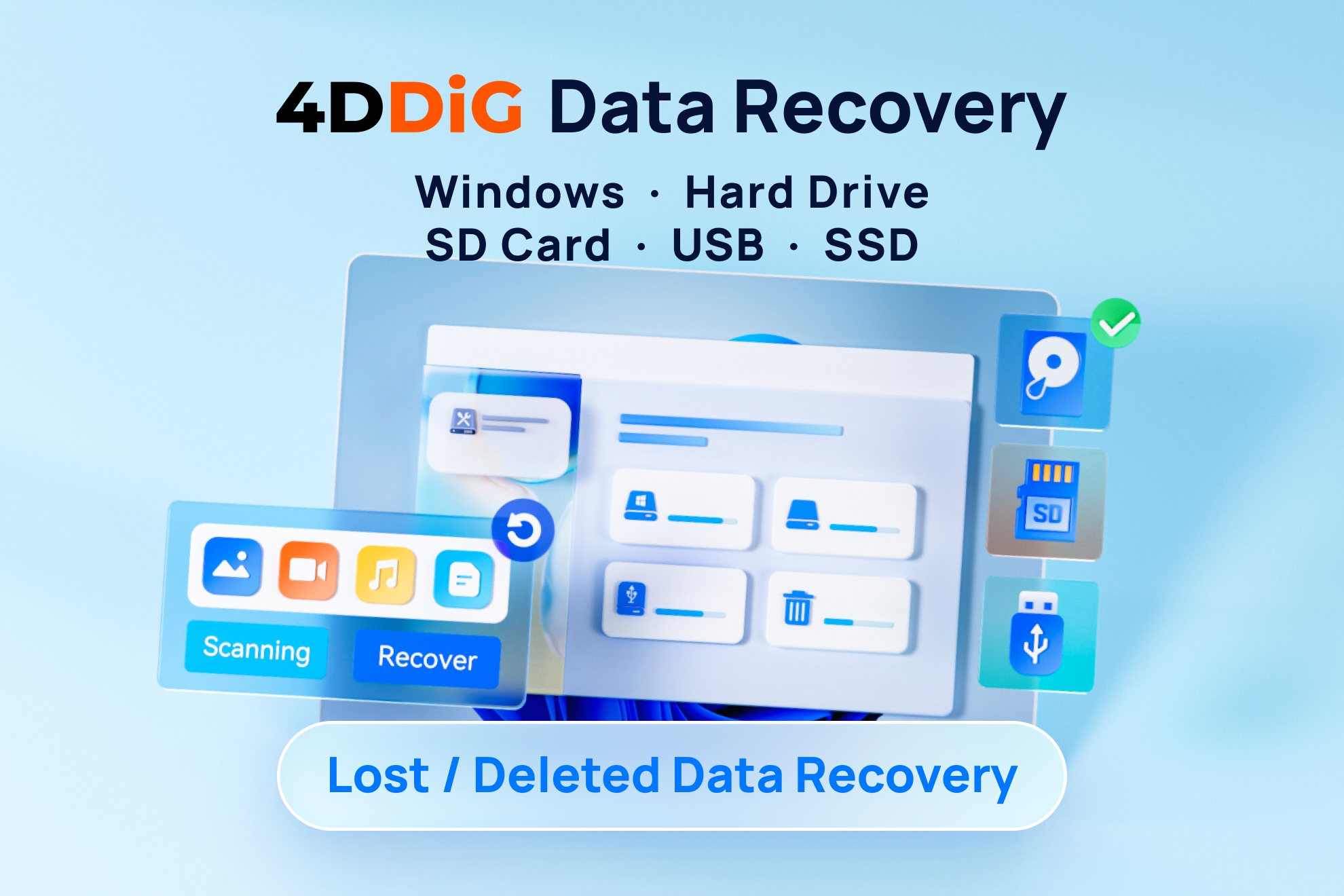
Accidentally deleted an important document, lost photos from a formatted SD card, or can’t access files after a crashed partition? Data loss is stressful and often time-sensitive. Tenorshare 4DDiG promises an all-in-one recovery tool for Windows and macOS that handles 2,000+ file types across hard drives, USB sticks, SD cards, and lost partitions. In this review I walk through real-world use, strengths and limitations, and whether 4DDiG deserves a spot in your toolkit.
Quick Product Snapshot
- Product: Tenorshare 4DDiG (Windows Data Recovery)
- Platform: Windows, macOS
- What it recovers: 2,000+ file types — photos, videos, documents, archives, emails, etc.
- Supported devices: Internal/external HDDs & SSDs, USB drives, SD/memory cards, lost partitions
- Price (vendor): Around $45.95 (single license offer listed)
- Rating (vendor site): 5/5 based on 158 reviews (vendor aggregated)
Material & Quality (Software Specs)
- Installation & footprint: Installer is lightweight; setup is straightforward on Windows and macOS. Minimal background services after install.
- User interface: Clean, step-by-step UI aimed at non-experts — select location & file types, quick scan, deep scan, preview, recover.
- Scanning engines: Quick scan for recent deletions; deep (sector-level) scan for formatted/partition issues. Both are available in the consumer build.
- File support: Extensive file signature database (2,000+ types) — common image/video/document formats plus many obscure types.
- Preview & selection: Preview recovered files before purchase/unlocking (trial allows scanning & previews in many cases).
- Safety: Read-only recovery operations — it does not write to the source drive, minimizing further damage.
Real-World Experience — Pros & Cons
Pros
- Easy to use: Guided workflow makes recovery approachable for non-technical users.
- High compatibility: Recovers from a wide range of storage media and supports thousands of file types.
- Preview before recovery: See thumbnails or file snippets so you can avoid unnecessary restores.
- Deep scan capability: Effective at finding files after formatting or in damaged partitions.
- Reasonable price point: Listed price is competitive vs. many full-featured recovery suites.
Cons
- Recovery not guaranteed: As with any recovery tool, success depends on whether deleted sectors were overwritten — deep scans find more but not everything.
- Scan time: Deep scans can be slow on large drives (expect hours for multi-terabyte disks).
- Windows/mac parity: Feature set is stronger on Windows; macOS users may find some limitations depending on file system and OS security settings.
- License model: Full recovery behind paid license — trial is useful for previews but you must buy to export most files.
“In my tests recovering recently deleted photos and documents, 4DDiG recovered the majority of files cleanly and provided reliable previews — good balance of power and simplicity.”
Quick Comparison — 4DDiG vs. Common Alternatives
| Feature | Tenorshare 4DDiG | EaseUS Data Recovery | Recuva |
|---|---|---|---|
| Platform | Windows, macOS | Windows, macOS | Windows |
| File types | 2,000+ | Thousands | Common types |
| Trial / Preview | Yes — scan & preview | Yes — limited recover | Free version with basic recovery |
| Ease of use | High | High | Moderate (tech-savvy users) |
| Best for | Users who want simple, wide-ranging recovery | Power users and techs needing advanced features | Budget users with basic needs |
Who Should Buy 4DDiG?
4DDiG is best for:
- Individuals who accidentally deleted photos, videos, or documents and want a simple recovery flow.
- Home users who need support for SD cards, USB sticks, and external drives.
- Small business users who need a reasonably priced, all-in-one recovery tool without heavy IT overhead.
Less suitable for:
- Forensic or enterprise environments requiring specialized, certified recovery workflows — those should look at professional data recovery services.
- Users on a tight budget who only need occasional, tiny recoveries (Recuva or built-in history features may suffice).
Final Verdict — Worth it?
Tenorshare 4DDiG balances ease of use, broad file support, and effective scanning in a package that works well for most consumers and small businesses. It won’t restore every lost file (no consumer tool universally can), but it gives you strong odds on recently deleted files, formatted cards, and corrupted partitions — with clear previews so you know what you can actually get back.
Bottom line: If you want a straightforward, capable recovery tool that covers photos, videos, and documents across common storage media, 4DDiG is worth considering. If you’re price-sensitive or only need basic recovery, compare with free/cheaper alternatives first.
Special Offer (Exclusive)
If you’re ready to try 4DDiG, check my store for an exclusive discount. Use code MYSTORE10 at checkout to get 10% off the purchase when you buy through my store — perfect if you want to test the trial and unlock full recovery at a better price.
Note: Recovery success varies by situation. Always stop using the affected drive to improve chances of recovery and consider making a disk image if the media is physically failing.