
Pacdora - The Largest Packaging Mockups & Dieline Platform Review

Pacdora Deal
Pacdora Deal
Pacdora Deal
Pacdora
About Pacdora
Pacdora: Your AI Packaging Design Agent. Access the largest mockup & dieline library. Create stunning 3D packaging designs smarter and faster.
Pacdora Review — Worth it? A Fast, AI-Driven Packaging Design Platform
Introduction — the problem and why Pacdora exists
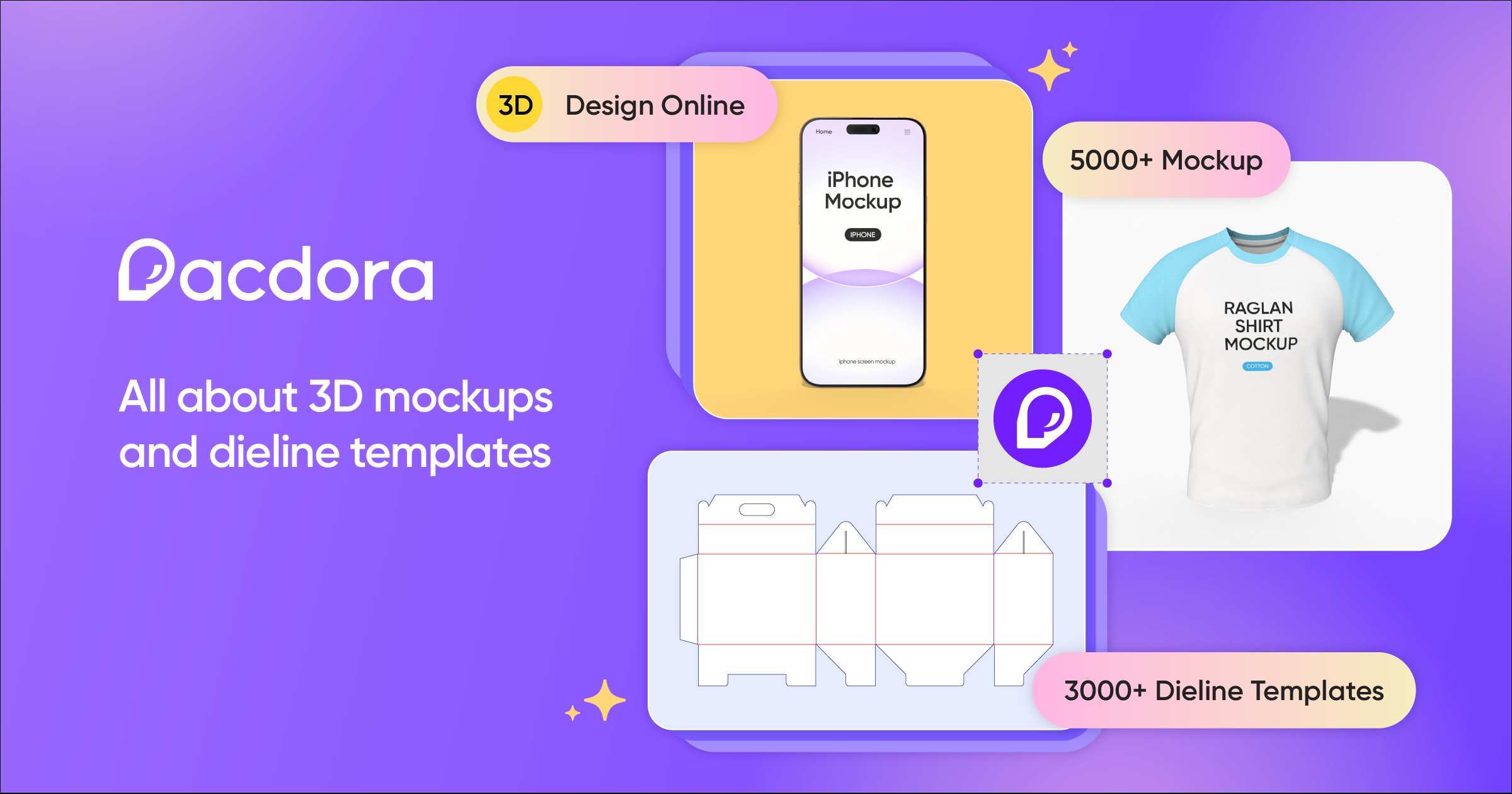
Designing packaging that looks great in 3D, aligns with print-ready dielines, and ships to production reliably is time-consuming. Designers and brand teams juggle multiple tools: vector editors, mockup apps, dieline libraries, and rendering software. Pacdora positions itself as an all-in-one solution: an AI-assisted packaging design platform with a large mockup and dieline library, 3D mockups, and rendering tools to speed up the path from concept to production.
Material & Quality (Technical specs)
| Product | Pacdora (Packaging Design Platform) |
| Brand | Pacdora |
| Platform / OS | Windows, macOS, Chrome OS (web-based app) |
| Core features | Dieline library, 3D mockups, rendering, AI packaging assistant, export for print |
| Pricing (at time of review) | Free account available; Pro $29/mo; Business $99/mo |
| Rating (aggregate) | 4.9 / 5 (based on platform data) |
Build quality here refers to software polish: the interface is modern, responsive, and clearly focused on packaging layouts. Asset load times are reasonable on a standard broadband connection. Exported mockups and dielines are production-ready when you follow the provided templates.
Hands-on experience — Pros & Cons
What I liked (Pros)
- Huge dieline & mockup library: Saves hours hunting for the right box or bottle template; most common formats are covered.
- AI assistance speeds iteration: Smart suggestions for dieline placement, quick mockup generation, and templates that reduce setup friction.
- Polished 3D rendering: Realistic lighting and material previews make presentations and approvals faster and more convincing.
- Cross-platform web app: No heavy installs — works across Windows, macOS, and Chrome OS with consistent UI.
- Clear export options: Production-ready dielines and high-res renders simplify handoff to printers and manufacturers.
- Free tier available: Try basic features before committing to Pro or Business plans.
Main drawbacks (Cons)
- Advanced print-prepress needs: Some complex prepress workflows (color separations, advanced trapping) still require specialist tools like Esko or a print vendor’s workflow.
- Learning curve for detailed dieline tweaks: Designers coming from vector-first tools may miss fine-grained control inside the platform.
- Performance depends on connection: Large 3D scenes or high-res renders take longer on slower connections or older hardware.
- Enterprise integrations: While Business tier exists, deep integrations (PIM, ERP) are less mature than legacy enterprise packaging suites.
Verdict: Pacdora is a practical, time-saving platform for designers and small-to-mid sized brands that need fast, realistic packaging mockups and production-ready dielines without learning a dozen separate tools.
Quick comparison with competitors
Pacdora vs Esko
- Esko: Industry-grade prepress and packaging production suite, extremely powerful for prepress, color management, and structural design.
- Pacdora: Faster to onboard, better for quick mockups, AI assistance, and designers who need speed and polished visuals rather than full enterprise prepress workflows.
- Choose Esko if: you need deep prepress control and integration with print houses. Choose Pacdora if you want speed, ease, and a large mockup/dieline library.
Pacdora vs Placeit (or generic mockup generators)
- Placeit: Simple mockups, great for lifestyle product shots, less focused on precise dielines and production exports.
- Pacdora: Stronger emphasis on dielines and production-ready files plus more realistic 3D packaging simulations.
- Choose Placeit if: you need quick marketing visuals on people/backgrounds. Choose Pacdora if you need accurate packaging mockups and dielines for manufacturing.
Who is Pacdora best for?
- Brand and product designers who need fast, realistic packaging mockups and dielines for client approvals.
- Small to mid-sized brands and e-commerce sellers preparing products for production and looking to shorten iteration cycles.
- Design agencies that want a shared library and repeatable templates to speed up multiple client projects.
- Print shops or freelancers who need to validate dielines visually before committing to production (with the caveat that complex prepress may require specialist tools).
Practical tips for getting the most from Pacdora
- Start with the free tier to test dieline compatibility with your printer.
- Use Pro for frequent mockups and Business for team collaboration and larger asset libraries.
- Check render settings before high-res exports to balance quality and render time.
- Keep a color profile workflow with your print vendor to avoid surprises on press.
Final thoughts & call to action
If your priority is fast, realistic packaging mockups tied to production-ready dielines, Pacdora is worth trying. It reduces tool switching, speeds approvals with clients, and makes it easier to present believable 3D packaging visuals.
Special offer: Looking to get started? There’s an exclusive discount code available for readers who purchase through our store — enter code PACDORA15 at checkout to save 15% on your first paid subscription. Check our store page for the coupon banner and details.
Short summary:
- Best for: designers, small brands, and agencies who need polished 3D packaging mockups and production-ready dielines quickly.
- Not ideal for: enterprises needing deep prepress and complex print workflows (consider Esko alongside Pacdora).
Overall score: 4.5 / 5 — A modern, efficient tool that makes packaging design faster and more accessible without sacrificing production readiness.