
Pricing & Plans | Fireflies.ai AI App for Smarter Meeting Notes – Overview & Review
Fireflies.ai Deal
Fireflies.ai Deal
Fireflies.ai
About Fireflies.ai
Automatically take notes, transcribe, summarize, search, and analyze all your team conversations in one place. It works across any video conferencing platform.
Fireflies.ai Review — Worth it for Busy Teams?
Struggling to keep up with meeting notes, action items, and follow-ups across Zoom, Google Meet, and Teams? Fireflies.ai promises to automate meeting transcription, summarization, and search so your team spends less time taking notes and more time executing. Below is an objective, hands-on review of the Fireflies.ai AI Meeting Assistant from the perspective of a US/UK product reviewer.
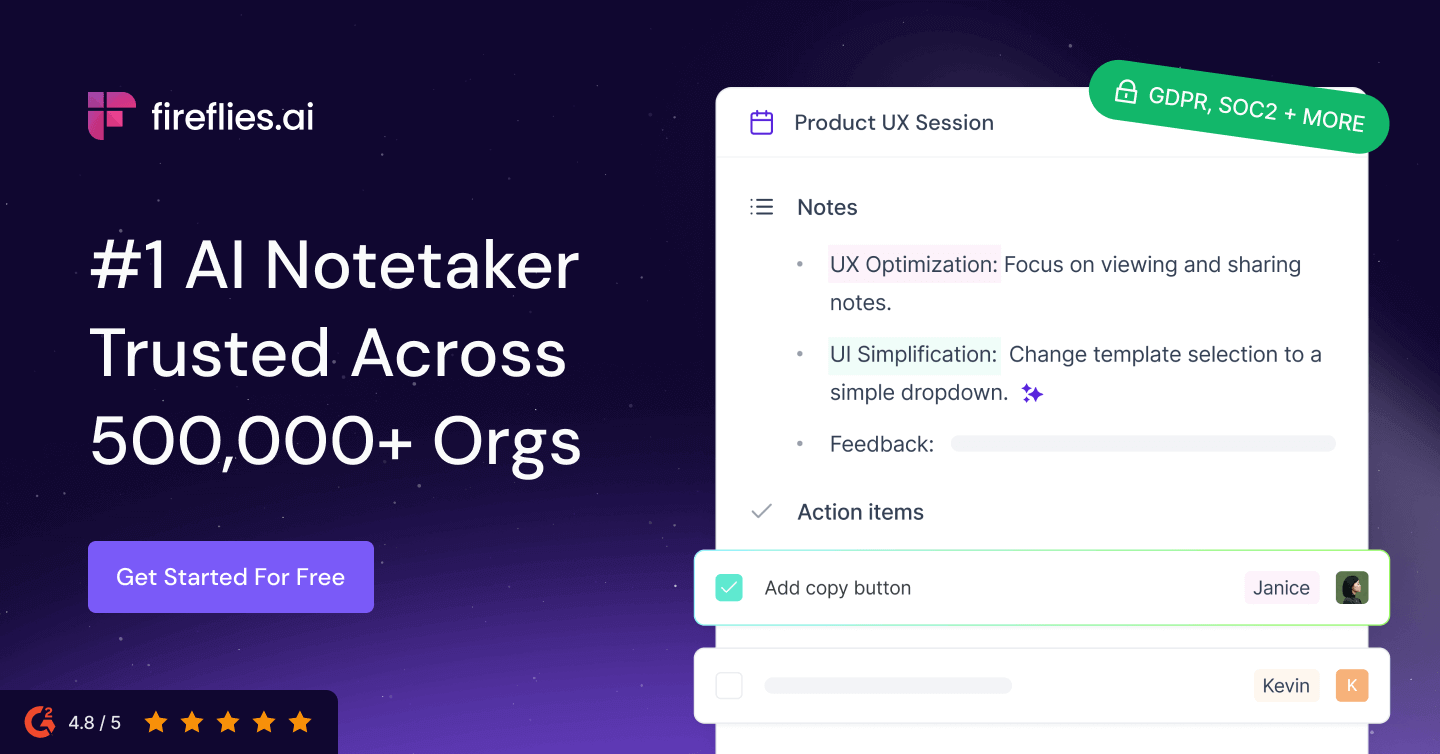
What problem does Fireflies.ai solve?
Many teams lose context after meetings because notes are inconsistent, action items get buried in chat, and key decisions are forgotten. Fireflies.ai attempts to solve that by automatically joining meetings, transcribing conversations, creating searchable notes and summaries, and integrating with work tools so knowledge is captured reliably.
Material & Quality (Features, Platform & Reliability)
- Platform support: Web-first app with desktop/mobile access and meeting integrations (Zoom, Google Meet, Teams, and calendar-based scheduling).
- Core features: Automated recording/transcription, AI-generated summaries, speaker detection, keyword search across meetings, and highlight/commenting features.
- Integrations: Common workplace integrations (Slack, CRMs, calendar systems, file sharing). These speed up workflows for tagging, assigning tasks, and exporting notes.
- Data & security: Enterprise-friendly controls like user management and workspace organization. (Always verify the vendor’s current encryption and compliance documentation for your privacy requirements.)
- Usability: Clean, business-oriented UI that focuses on conversations and highlights rather than a steep learning curve.
- Reliability: Transcription quality depends on audio clarity and participant mic setups. Works best with headset or desktop mics and scheduled meetings where the recorder can join natively.
Real-world Experience — Pros & Cons
Pros
- Hands-off capture: Once set up, recordings and transcripts appear automatically—no manual note-taking during meetings.
- Time-saving summaries: AI summaries and highlights make it fast to get the gist of a meeting without reading entire transcripts.
- Searchable knowledge base: Search across meetings for keywords, decisions, or action items, which is great for onboarding and knowledge retrieval.
- Collaboration-friendly: Ability to comment, tag teammates, and export clips or notes to other tools keeps follow-ups actionable.
- Flexible integrations: Integrates into common meeting workflows (calendar invites, conferencing apps, Slack), minimizing friction.
Cons
- Transcription accuracy varies: Accuracy drops with multiple overtalk, accents, or poor audio—expect to review and correct important quotes.
- Privacy considerations: Automatic recording needs clear team consent and policy alignment; configuration is required for sensitive meetings.
- Feature overlap: Some features may feel redundant if your team already uses a platform with native transcription or separate meeting tooling.
- Learning curve for team admins: Setting up workspace access, integrations, and retention policies takes a short admin investment.
Quick Comparison — Fireflies.ai vs. Competitors
| Product | Transcription & Summaries | Integrations | Best for |
| Fireflies.ai | Automated transcripts + AI summaries; good accuracy with clean audio | Zoom, Google Meet, Teams, Slack, calendar systems | Teams that want automated meeting capture + searchable notes |
| Otter.ai | Strong realtime transcription and speaker labeling; good for interviews and lectures | Zoom integration, exports, mobile-first | Individuals and small teams focused on live captions and transcripts |
| Grain | Highlights & clip sharing from meetings; summarization focused on clips | Zoom-centric with CRM and sharing workflows | Sales/product teams that share moment clips and customer highlights |
Who is Fireflies.ai Best For?
- Busy teams who run frequent meetings and need consistent notes and follow-ups.
- Customer-facing teams that want to capture call highlights and searchable customer context.
- Project managers and product teams that benefit from meeting transcripts and action item tracking.
- Knowledge-heavy organizations wanting a central, searchable archive of verbal knowledge.
Final Verdict — Worth it?
Fireflies.ai is worth considering if your team runs many scheduled meetings and you need reliable, searchable transcripts plus AI-generated summaries. It reduces manual note-taking and centralizes meeting knowledge. Expect the best results with clear audio and a short admin setup to configure integrations and privacy settings. If your primary need is perfect verbatim accuracy in noisy environments, you may need to combine Fireflies.ai with higher-quality audio setups or a human transcription service for final legal or compliance use.
Call to Action
If you’re ready to trial Fireflies.ai, consider trying it via my recommended channel—there’s an exclusive discount available when you purchase through my store. Use code REVIEW20 at checkout for a limited-time offer. Reach out through my store page to claim the promo and get setup tips tailored to your team’s workflow.
Tip: Test with a couple of real meetings during a trial period. Evaluate transcript accuracy, summary usefulness, and how integrations fit your notification and task workflows before rolling it out company-wide.