
AI website builder for WordPress | Elementor: Overview

Elementor Deal
Elementor Deal
Elementor Deal
Elementor
About Elementor
Elementor’s free website builder makes it easy for web creators. Build a website or online store- no coding required. Start creating now!
Elementor AI Review — Worth it? Best for Rapid WordPress Websites
Introduction — the problem it solves
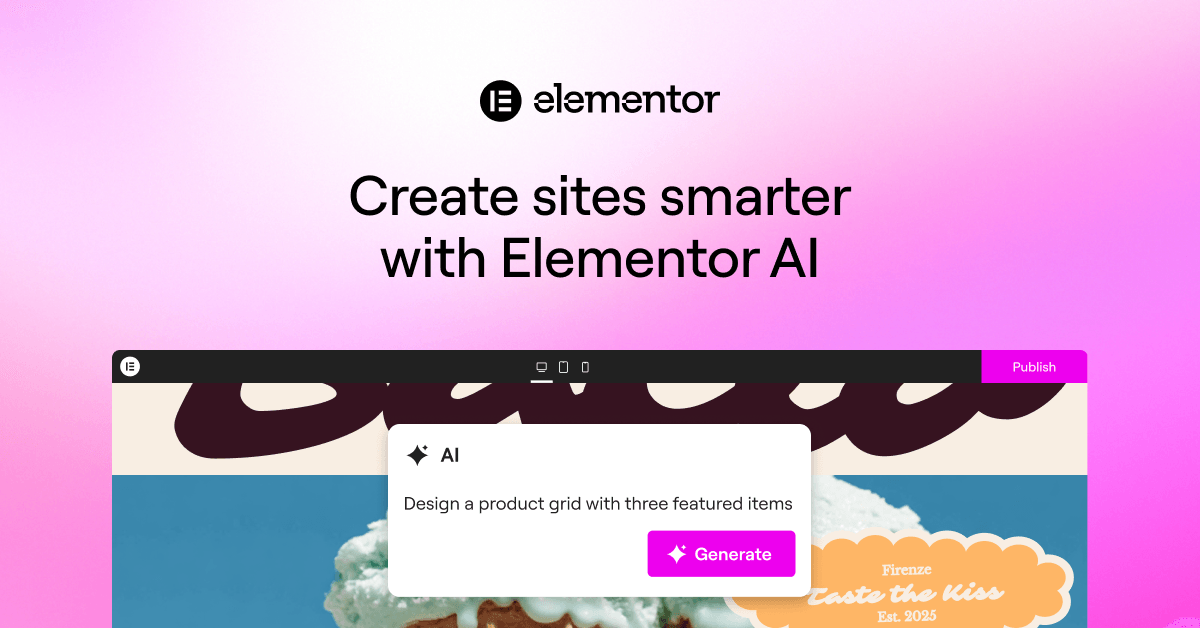
Building a professional WordPress site still takes time, design sense, and sometimes developer help. If you want a fast, polished site without writing code or hiring an agency, AI-assisted builders promise to collapse days of work into hours. Elementor AI aims to do exactly that inside the popular Elementor ecosystem — generating layouts, copy, and design suggestions so you can ship faster while keeping full control.
Quick verdict
Elementor AI is a useful productivity layer for designers, freelancers, and small business owners who already use WordPress/Elementor. It speeds up ideation and content creation, creates high-quality starter layouts, and keeps edits simple. It’s not a fully automatic magic wand — expect to refine AI output — but for most users it’s worth the time saved.
Material & Quality (Features and Specs)
| Product | Elementor AI |
| Brand | Elementor |
| Platform | WordPress (built into Elementor experience) |
| Core capabilities | AI-generated page layouts, copywriting assistance, design suggestions, template customization |
| UX & polish | Polished, integrated into Elementor editor; modern, fast interface |
| Requirements | WordPress site, Elementor plugin (Elementor Pro recommended for full features) |
What stands out about quality
- Integrated experience: AI flows inside Elementor’s editor rather than a separate app, so generated layouts and copy are editable immediately.
- Template quality: output is design-forward and aligns with Elementor’s visual language — good starting points for customization.
- Polish: UI feels performant and consistent with the rest of Elementor’s tools; minimal friction for typical workflows.
Hands-on Experience — Pros & Cons
Pros (real-world benefits)
- Speed: Generate a complete homepage concept or sections in minutes — excellent for client proposals and rapid MVPs.
- Content help: Built-in copy suggestions reduce writer’s block for headlines, CTAs, and short sections.
- Designer-friendly: Outputs are editable with familiar Elementor controls — no need to translate ideas between tools.
- Consistency: Layouts and spacing follow common best practices, so sites look balanced straight away.
- Workflow boost: Great for solo freelancers and small teams who need to produce polished pages fast.
Cons (practical pain points)
- Not fully hands-off: AI output frequently needs human revision for brand tone, SEO optimization, and factual accuracy.
- Subscription dependency: Advanced AI capabilities often sit behind paid tiers — an added recurring cost if you want full features.
- Plugin reliance: Requires Elementor (and often Elementor Pro) — not ideal if you prefer a different page-builder.
- Generic moments: Some copy or layout suggestions can feel templated until you customize them.
- Performance caution: Like any page-builder output, heavy use without optimization can impact front-end performance unless you prune unnecessary widgets and scripts.
In practice, Elementor AI is a multiplier for speed, not a substitute for craft. It shortens the creative loop and reduces busywork — but the best outcomes still come from deliberate edits.
Quick comparison with competitors
| Elementor AI | Divi AI | Wix ADI |
| Best inside WordPress + Elementor users; strong editing experience and templates. | Great if you’re already in the Elegant Themes ecosystem; similar AI copy + design features. | Very beginner-friendly, fully hosted; less flexible for advanced customizations and not WordPress-based. |
| Stronger handoff to developers/designers because it produces editable Elementor structures. | Tight integration with Divi builder; strong for Divi users but locked into that ecosystem. | Fastest for non-technical users but limited if you want portability or advanced plugins. |
Who is Elementor AI best for?
- Freelance web designers who build multiple WordPress sites and need to accelerate drafts.
- Small businesses wanting a professional site quickly without hiring a developer.
- Agencies that prototype landing pages and concepts before custom development.
- Content creators who need help generating copy blocks, headlines, and section text.
- Existing Elementor users who value tight integration and editable outputs.
Final verdict — Is it worth it?
If you already use WordPress and Elementor, Elementor AI delivers meaningful time savings and a smoother creative workflow. It’s not a replacement for a designer’s judgment, but it significantly reduces repetitive tasks and idea-blocks. For pros who create multiple sites or anyone who wants professional results faster, it’s worth testing — especially if you try it on a single project to judge ROI.
Tip: If you plan to buy through my store, ask about an exclusive discount or limited-time offer available to readers — mentioning this review can unlock special pricing or a promo. It’s a good way to reduce the subscription cost while you evaluate the tool.