
Termly Privacy Compliance Solution Review — Worth it?
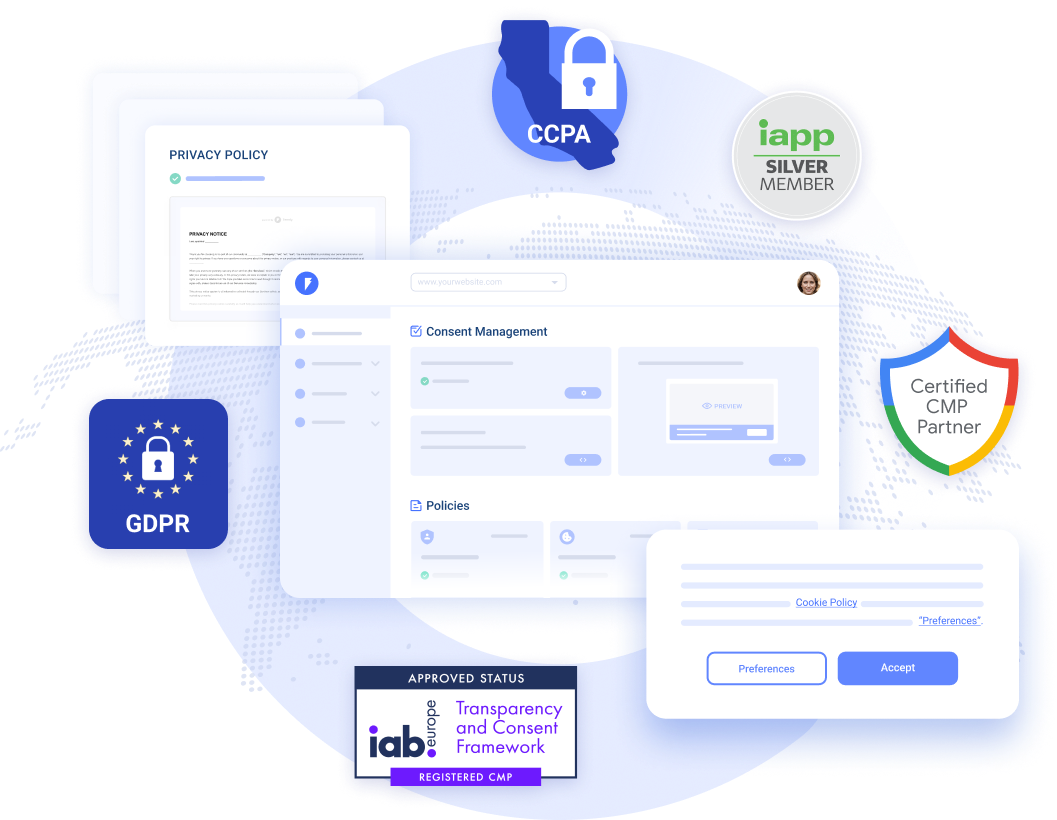
Keeping a website or app compliant with global privacy laws has become a recurring headache for site owners. Between GDPR, CCPA, ePrivacy and local rules, you need accurate policies, cookie consent handling, and proof of compliance — without turning into a legal or dev expert. Termly pitches itself as an all-in-one answer: policy generators, cookie consent banners, cookie scanners and more. In this review I test how well Termly solves the common problems teams face, and whether it’s worth integrating into your stack.
Specifications / Materials (Material & Quality)
Termly is a cloud-hosted SaaS compliance suite with a focus on small-to-medium sites and apps. It bundles policy generation, cookie consent management, a cookie scanner, and embedded scripts or plugins to deploy on platforms like WordPress.
Key specs & quality notes
- Core components: Privacy policy generator, cookie consent manager, cookie scanner, terms & conditions generator, cookie categories, consent logs.
- Delivery: JavaScript snippet for client-side consent management plus a WordPress plugin for easier installation.
- Customization: Themeable banners, multi-language support, geolocation-based consent rules (to target GDPR/CCPA visitors).
- Integrations: Works with major tag managers and basic e-commerce platforms; exposes standard events to block/unblock tags.
- Security & hosting: Hosted service — scripts load from Termly’s CDN. No public SLA but standard HTTPS delivery and common security practices in place.
- Documentation & support: Clear setup guides, knowledge base articles, email/support ticketing; chat support availability varies by plan.
- Quality of UI: Clean, modern admin console; policy editor templates are readable and easy to adapt for non-experts.
Real-world experience (Pros & Cons)
Setup & first impressions
Installing Termly is straightforward. You create an account, answer a few guided questions for the policy generator, customize a cookie banner, then paste a small JavaScript snippet into your site header or install the WordPress plugin. The cookie scanner is optional but useful to detect tags and third-party cookies automatically.
Pros
- One dashboard for multiple needs: Policies, banners and scanning live in the same console — convenient for small teams.
- Good policy templates: Templates are clear and legally phrased in plain English, making them usable without an immediate lawyer review for basic compliance.
- Cookie scanner: The scanner finds common third-party cookies and helps categorize them, reducing manual work.
- Easy customization: Banner styles, positions and copy can be adjusted without code; you can match basic brand styles quickly.
- Geotargeting and consent levels: Ability to show different consent flows by visitor location is handy for mixed-audience sites.
- Logs and records: Consent logs are kept to help respond to requests or audits.
Cons
- Edge cases need manual attention: The policy generator covers typical scenarios well, but complex data processing or bespoke integrations may still require legal review.
- Scanner limitations: Cookie scanner is useful but sometimes misses dynamically injected cookies or custom-built trackers without additional configuration.
- Script behavior can be blocking depending on setup: If you choose strict blocking, some tags need extra configuration to reinitialize after consent is granted.
- Enterprise features limited: Large organizations with deep governance requirements may outgrow Termly and need a full GRC or enterprise consent platform.
- Support response times: Support is solid, but fastest responses are reserved for higher-tier plans.
Quick comparison with competitors
| Feature | Termly | Cookiebot | Iubenda |
|---|---|---|---|
| All-in-one (policies + consent) | Yes | Primarily consent | Yes, strong policy focus |
| Cookie scanner | Built-in | Built-in, advanced | Available, varies |
| Policy templates | Good, easy to edit | Limited | Extensive, legally detailed |
| Best fit | Small/medium websites & apps | Sites needing robust scanning & automated blocking | Publishers wanting very detailed legal docs |
Target audience
- Small to medium business owners who need an easy, centralized way to manage privacy policies and cookie consent.
- Freelancers and agencies building sites for clients that need a quick compliance baseline.
- E-commerce stores and SaaS startups that collect user data and want visible consent records.
- Not ideal for large enterprises that require complex data governance workflows or custom legal integrations.
Verdict: Termly offers a practical, user-friendly compliance toolkit that covers the majority of needs for SMBs and publishers — fast to deploy, reasonably accurate, and useful for teams without in-house privacy expertise.
Final thoughts & call to action
If you run a small-to-medium website or app and want a single place to generate policies, manage cookie consent, and keep logs, Termly is a solid choice. It reduces the friction of staying compliant, and the UI makes routine updates painless. For mission-critical or highly customized compliance programs, expect to complement Termly with legal review or additional tooling.
Thinking about trying it? There are discount codes and special offers available when purchasing through my store — check the purchase options you see at checkout for current promotions and bundle deals.
Recommendation: Try Termly on a trial or basic plan to test the cookie scanner and banner behavior on your site. If the results match your needs, it’s an efficient, cost-saving way to improve compliance posture quickly.