
SwifDoo PDF Review — Worth it for Everyday PDF Editing?
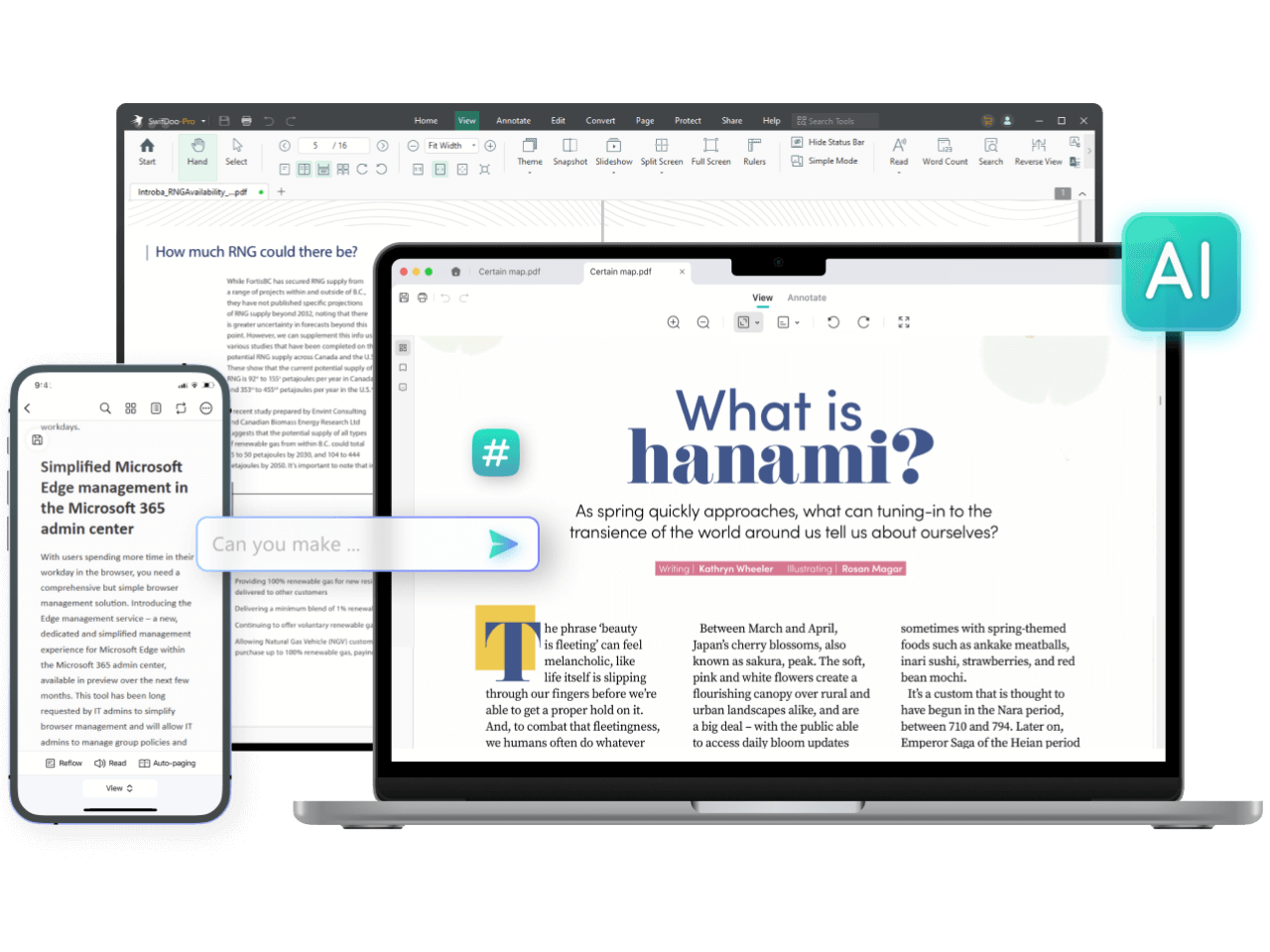
PDF workflows are part of nearly every office, school, and freelance project today. The pain points are familiar: clunky editors, poor OCR, lossy conversions, and subscription prices that feel hard to justify if you only need a handful of PDF tasks each week. SwifDoo PDF promises a full suite — edit, convert, OCR, annotate, protect, sign, and translate — with a lighter footprint and a more wallet-friendly model than some incumbents. I spent several weeks putting it through real-world scenarios to see whether it actually solves those daily PDF headaches.
Why SwifDoo PDF might be the solution
SwifDoo positions itself as an all-in-one PDF toolkit focused on speed and ease of use. If your typical needs are editing text and images in PDFs, converting documents to Word/Excel, scanning to searchable PDFs with OCR, or signing and protecting documents without a steep learning curve — SwifDoo aims to cover those bases without the complexity or cost of enterprise products.
Specifications / Materials (Material & Quality)
| Developer | SwifDoo |
| Platforms | Windows desktop app (primary); web and mobile features available depending on region |
| Main features | Edit, Convert, OCR, Annotate, Compress, Merge/Split, Sign, Protect/Redact, Translate |
| File types supported | PDF, Word, Excel, PowerPoint, image formats, plain text; export fidelity varies by complexity |
| Security | Password protection, permissions, basic redaction, digital signature support |
Build quality and UI
SwifDoo PDF feels polished for a Windows-first app. The installer is straightforward, the app launches quickly, and the interface follows a familiar ribbon-style layout. Toolbar icons are clear, and common tools are easy to find. There are no flashy animations — which is good for responsiveness — but the overall UX is modern and uncluttered.
Performance and reliability
On a mid-range laptop, the app handled 50–100 page files without lag. Batch conversions and OCR runs are reasonably fast; large scanned PDFs take longer but complete reliably. I experienced one or two minor crashes during intensive batch exports, but recovery was smooth and no documents were corrupted.
Real-world experience — Pros & Cons
- Pros
- Intuitive editing: Editing text, adjusting fonts, and moving images in-place feels natural for documents without very complex layouts.
- Solid OCR: Converts scanned pages to searchable text with good accuracy for clear scans and standard fonts.
- Fast conversions: Word and Excel exports are quick and practical for most business documents.
- Lightweight and responsive: Uses less system resources than some larger competitors.
- Feature-rich: Covers the common PDF tasks (merge, split, compress, sign, protect) in one package.
- Good for recurring tasks: Batch processing makes repetitive conversions efficient.
- Cons
- Advanced layout fidelity: Complex PDFs (heavy tables, unusual fonts, layered graphics) can lose some formatting in conversions — expect some manual clean-up in Word/Excel exports.
- Windows-first focus: The desktop experience is best on Windows; web and mobile features are improving but not as polished.
- Limited cloud integrations: Native integrations with enterprise cloud services are not as extensive as larger vendors.
- Support can be variable: Response times for complex issues were inconsistent in my tests.
- Some advanced editing tools are basic compared to top-tier professional suites.
“SwifDoo PDF fills the practical gap between free readers and expensive professional suites — fast, capable, and approachable for everyday PDF work.”
Quick comparison
SwifDoo PDF vs. Adobe Acrobat Pro DC
- Adobe: Industry-standard features, unmatched format fidelity, advanced collaboration and cloud ecosystem; higher price and heavier system requirements.
- SwifDoo: More affordable and lighter, handles most everyday tasks well; not as comprehensive for advanced publishing and enterprise workflows.
SwifDoo PDF vs. Foxit PDF Editor
- Foxit: Strong middle ground — fast, good collaboration tools, and solid enterprise features.
- SwifDoo: Comparable for core editing, OCR, and conversions; occasionally falls behind on complex document fidelity and integrations but often wins on price and simplicity.
Who is this best for?
- Small business owners and freelancers who need a capable PDF editor without enterprise pricing.
- Students and educators who regularly convert and annotate documents.
- Remote workers who need quick edits, signing, and light OCR on scanned paperwork.
- Anyone who wants a faster, more lightweight alternative to the biggest PDF suites for everyday tasks.
Final thoughts and recommendation
SwifDoo PDF is a practical and well-designed PDF toolkit that covers the majority of everyday PDF needs. If your workflow revolves around editing text, converting documents, running OCR on scans, and signing/protecting files, SwifDoo delivers solid performance with an approachable interface. It’s not a replacement for high-end publishing suites when layout fidelity is critical, but it’s an excellent value-for-feature option for individuals and small teams.
Interested in trying it? There are free trials and paid plans billed in USD, and there are discount codes and special offers available when purchasing through my store — check the purchase options to see current savings.
Bottom line
For most users who need a reliable, fast, and affordable PDF editor, SwifDoo PDF is worth trying. It hits the sweet spot between capability and simplicity, especially for Windows users and anyone who doesn’t need enterprise-grade integration.