
CorelDRAW Graphics Suite Review — Worth it for Creative Professionals?
Designers and small studios face a common problem: they need a robust, versatile graphics suite that handles vector artwork, page layout, photo editing, and even some CAD-style workflows — without forcing every team member onto the same expensive subscription ecosystem. CorelDRAW Graphics Suite promises to be that all-in-one solution. This review evaluates whether it delivers on power, quality, and real-world productivity, and who will get the most value from it.
Shop Now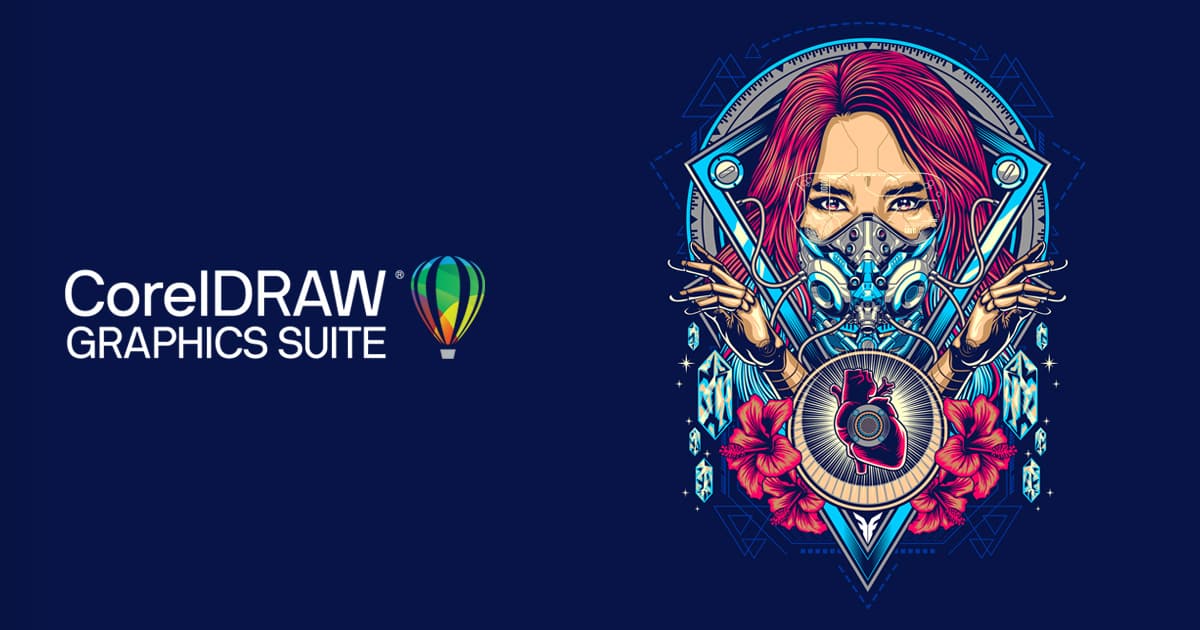
Specifications & Materials (Material & Quality)
CorelDRAW Graphics Suite is a software package, so “materials” translate to components, supported platforms, and build quality. Below is a condensed specification overview you can use to compare at a glance.
| Included apps | CorelDRAW (vector), Corel PHOTO-PAINT (raster), Corel Font Manager, PowerTRACE, CAPTURE, AfterShot (RAW), assets & templates |
| Platforms | Windows, macOS, web-based CorelDRAW.app; iPad app for on-the-go edits |
| File formats | CDR, AI, PSD, PDF, SVG, EPS, DXF, DWG, common bitmap formats; improved import/export for Adobe files |
| Performance | GPU acceleration, multithreaded operations; performance varies by system and document complexity |
| Licensing | Subscription and perpetual license options available |
| Support & updates | Regular updates, tutorials, active community, professional support options |
Real-world Experience — Pros & Cons
I've used CorelDRAW Graphics Suite for logo design, poster layouts, vector icon sets, and some technical illustration over several weeks. Here’s what stood out.
- Pros
- Comprehensive toolset: Having vector, pixel, font management, and trace tools in one suite speeds up typical design workflows. Switching between vector and bitmap editing felt seamless compared to stitching together separate apps.
- Performance on modern hardware: Large vector files and complex effects render responsively on a well-equipped Windows or Mac machine. GPU acceleration noticeably improves pan/zoom and preview performance.
- File compatibility: Improved AI and PSD import/export reduces hiccups when collaborating with Adobe users. DWG/DXF support is handy for simple CAD interchange.
- Flexible licensing: Perpetual license available for buyers who dislike mandatory subscriptions — useful for freelancers and small shops watching recurring costs.
- Accessible learning resources: Built-in tutorials, templates, and a sizable asset library help new users ramp up quickly.
- Cons
- Learning curve: The interface is powerful but dense. Designers migrating from Illustrator may spend a few days relearning workflows and keyboard shortcuts.
- Intermittent quirks with complex Adobe files: While compatibility is strong, very complex Illustrator or InDesign files (advanced effects, obscure plugins) can still require cleanup after import.
- Mac parity: The macOS version has come a long way, but a few advanced features and performance optimizations still favor Windows in some edge cases.
- Advanced typography limitations: Typography controls are extensive, but type pros who rely on every Illustrator/InDesign feature may notice minor gaps.
Workflow Notes
For day-to-day work I appreciated CorelDRAW’s object styles, symbols, and non-destructive effects. PowerTRACE continues to be a fast option for converting bitmaps to vectors, though manual cleanup is often necessary for production-quality vectorization. Exporting for print and cutting (vinyl/laser) was reliable once color profiles and page setups were configured correctly.
“CorelDRAW strikes a practical balance: deep feature coverage without forcing you into a single-vendor cloud environment.”
🎁 Unlock Coupons & Deals View all available discount codes
Quick Comparison
Here are two close competitors and how CorelDRAW stacks up for typical buyers.
- Adobe Illustrator
- Strengths: Industry-standard vector tools, seamless Creative Cloud integration, best-in-class typography and plugin ecosystem.
- How CorelDRAW compares: Slightly more approachable for mixed vector/raster workflows, better perpetual license option, better value for teams avoiding Adobe subscriptions. Adobe still leads on edge-case typography and ecosystem depth.
- Affinity Designer
- Strengths: Low one-time cost, elegant UI, great for illustration and UI work, strong macOS/iPad experience.
- How CorelDRAW compares: CorelDRAW offers a more complete suite (photo editor, font manager, trace, CAD import) and stronger enterprise/print features. Affinity is an excellent budget-focused alternative for 2D illustration and UI tasks.
Who Should Buy This?
- Freelance and in-house designers who need an all-in-one package for vector, layout, and photo editing.
- Print shops and sign-makers who require DWG/DXF support, precise color management, and reliable export for production.
- Small studios and teams that want a perpetual license option rather than a forced subscription.
- Users who collaborate with Adobe users occasionally and need solid import/export fidelity.
Final Verdict
CorelDRAW Graphics Suite is a mature, capable alternative to the dominant players in the vector design space. It’s particularly strong for professionals who need an integrated suite that handles vector art, pixel editing, and production workflows without committing to a single-cloud vendor. There are trade-offs—some advanced Adobe-specific features and niche typography controls—but for most designers and production environments, CorelDRAW provides more than enough power and flexibility.
Recommendation: If you want an all-in-one design suite with solid performance, flexible licensing, and broad format support, CorelDRAW is worth testing. Take advantage of trial options to verify your specific file compatibility and workflow needs.
Special Offers
If you decide to purchase, note that discount codes and special offers are sometimes available when buying through my store. Check available promotions at checkout to lock in savings.