Vista Social Review — Worth it?
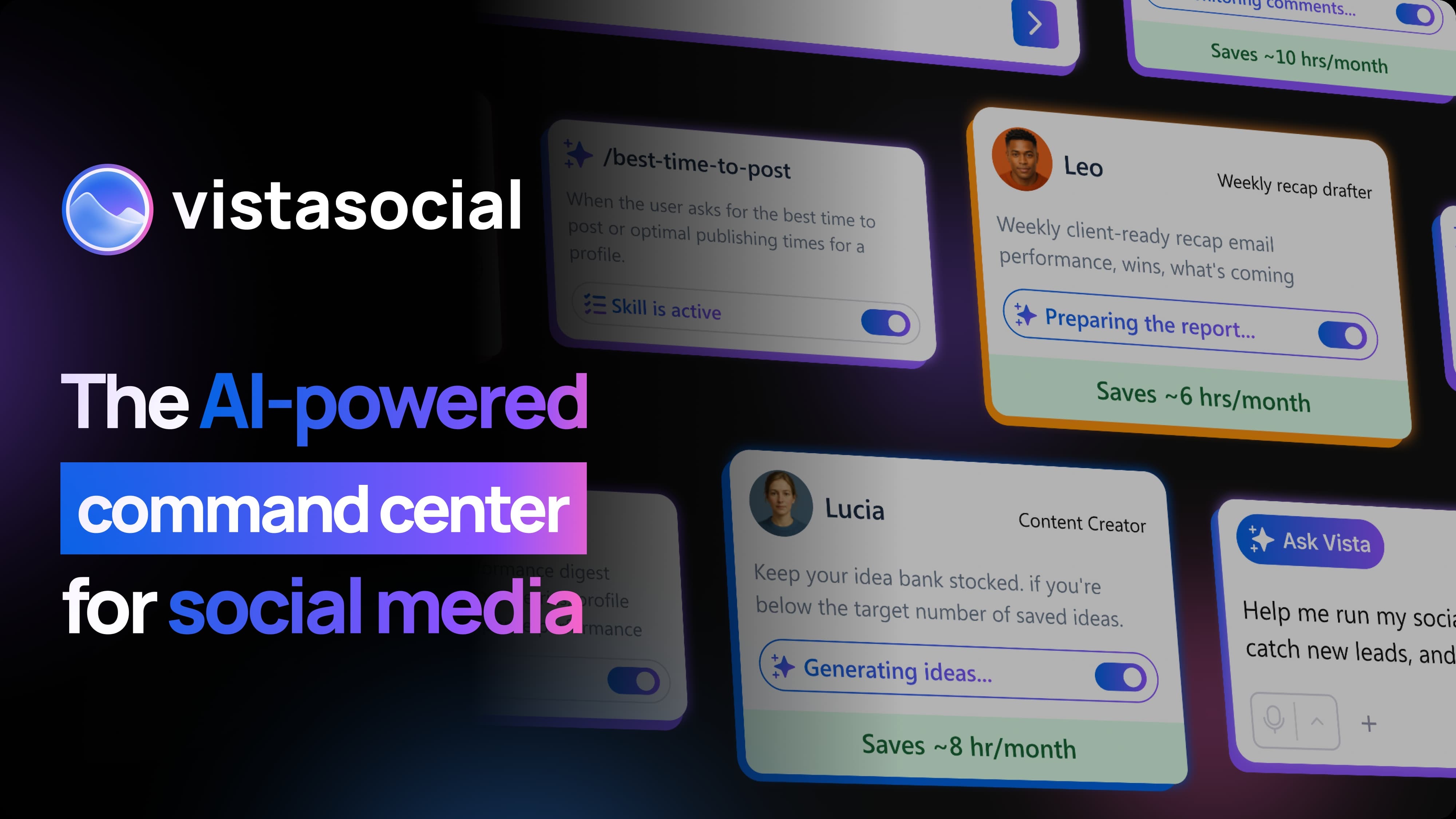
AI-powered command center for social media
Shop NowIntroduction — the problem and the promise
Managing multiple social profiles, creating consistent content, responding to messages, and proving ROI all at once is a common headache for small teams and solo creators. Many social tools feel either too basic for meaningful reporting or too complex and expensive for everyday use.
Vista Social positions itself as a middle ground: a unified, AI-enhanced dashboard for scheduling, publishing, engagement, and analytics. The promise is straightforward — replace several single-purpose tools with one platform that helps you create faster, automate routine tasks, and measure impact without a steep learning curve.
Specifications / Materials (Material & Quality)
- Platform type: Cloud-based SaaS (web app with mobile companion apps).
- UI & design quality: Clean, modern interface with an emphasis on calendar views and visual publishing. Left-nav layout and drag-and-drop content calendar make scheduling intuitive.
- AI features: Built-in AI tools for caption generation, hashtag suggestions, and post optimization prompts that speed up content creation.
- Integrations: Native connections for Facebook, Instagram, Twitter/X, LinkedIn, TikTok, YouTube, Google My Business, and RSS. Also supports social listening and reputation management features.
- Collaboration & workflow: Team roles, approval queues, and shared content library are included for multi-user accounts.
- Security & reliability: Standard HTTPS/SSL encryption, multi-user access controls, and exportable reports. Uptime during testing was stable — no prolonged outages encountered.
- Support: Email/ticket support plus knowledge base and onboarding guides. Response times were reasonable during business hours.
- Pricing (USD): At the time of testing, plans start at approximately $29/month (USD) for entry-level users; higher tiers unlock team features, advanced analytics, and expanded publishing limits.
Real-world experience — Pros & Cons
Pros
- Fast content creation: The AI caption and hashtag suggestions meaningfully cut drafting time, especially for repurposing longform content into social posts.
- Unified workflow: The inbox and reputation modules consolidate comments, messages, and reviews so fewer things slip through the cracks.
- Visual calendar: Drag-and-drop scheduling and a media library make planning a week or month simple and visual — great for planners and agencies.
- Reporting: Clean, exportable reports that are suitable for client updates or internal reviews. Custom date ranges and platform breakdowns are useful.
- Value: For teams that need scheduling, listening, and reporting in one tool, Vista Social often feels more cost-effective than cobbling together multiple apps.
Cons
- Learning curve: New users will spend a few sessions getting comfortable with workflows like approval queues and reputation settings.
- Occasional scheduling quirks: A handful of posts required rescheduling due to platform API limits (a common issue across social tools), which meant extra manual checks.
- Mobile app limitations: The mobile companion is handy for on-the-go posting but lacks some advanced reporting and bulk-edit features found in the web app.
- Analytics depth vs. enterprise tools: Advanced enterprises or data-heavy agencies may find some limitations when compared to specialized analytics platforms.
🎁 Unlock Coupons & Deals View all available discount codes“Vista Social is a practical, well-rounded platform for teams who want strong scheduling, engagement, and AI-assisted content without enterprise price tags.”
Feature snapshot
| Feature | Notes |
| Scheduling & Calendar | Visual calendar, bulk upload, optimal time suggestions |
| AI Content Tools | Caption generator, hashtag suggestions, post ideas |
| Engagement Inbox | Unified messages, comment moderation, quick replies |
| Analytics & Reporting | Platform breakdowns, CSV exports, custom date ranges |
Quick comparison
Vista Social vs. Hootsuite
- Both offer scheduling and inbox features, but Vista Social puts more emphasis on AI-assisted content creation and a simpler reporting experience for small teams.
- Hootsuite tends to be more feature-dense for enterprise workflow integrations; Vista Social trades some enterprise bells for a cleaner, more affordable small-team experience.
Vista Social vs. Buffer
- Buffer is known for simplicity and reliability in scheduling. Vista Social adds deeper engagement tools (inbox/reputation) and stronger built-in reporting, making it a more complete all-in-one option.
- If your needs are purely scheduling and simple analytics, Buffer remains lighter-weight; if you want integrated listening and AI help, Vista Social wins.
Who is this best for?
- Small marketing teams that need scheduling, engagement, and reporting in one place without enterprise complexity.
- Agencies and freelancers who manage multiple client accounts and need approval workflows and shareable reports.
- Content creators and solopreneurs looking to speed up caption writing and post more consistently with AI assistance.
- Local businesses that want to manage reviews, messages, and posts from a single dashboard.
Final verdict
Vista Social is a well-rounded social media management platform that strikes a strong balance between capability and usability. Its AI writing tools and consolidated engagement inbox are practical time-savers. While it isn’t an enterprise-only analytics powerhouse, it delivers everything most small teams and creators need to publish consistently, engage effectively, and report results clearly.
Pricing starts at about $29/month (USD) for entry-level plans, making it a competitive option for teams that want value without sacrificing features.
If you're considering Vista Social, it’s worth trying a trial to see if the AI features and workflow match your process. Also, there are occasional discount codes and special offers available when purchasing through my store — check there for any current promotions before you sign up.
Image