
HyNote Review — Worth it for busy professionals?
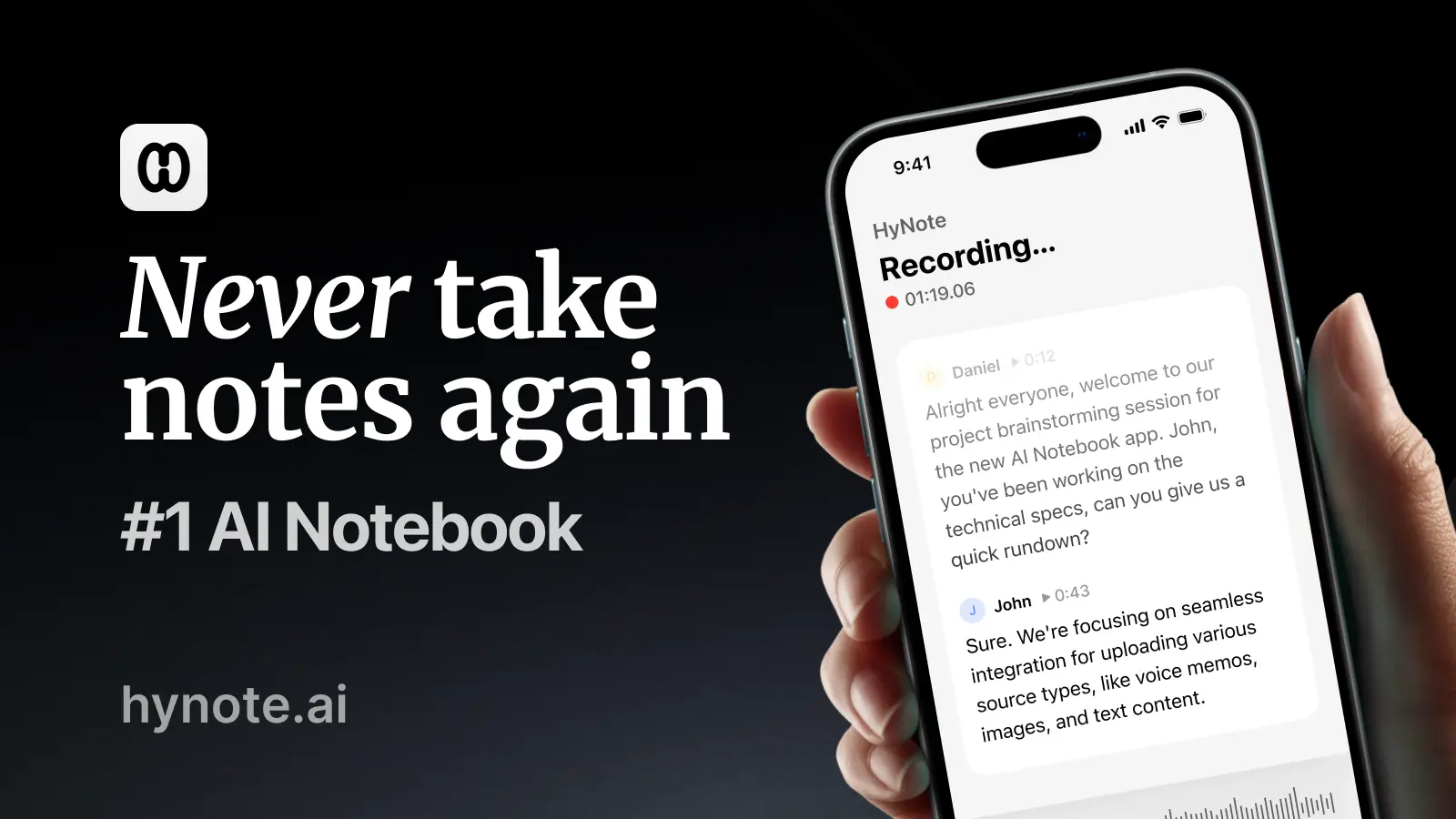
Keeping up with meetings, interviews, and PDF research notes is one of the most common productivity headaches today. You either spend time transcribing audio, manually summarizing long documents, or risk losing important details in scattered notes. HyNote positions itself as an AI note-taking assistant that records, transcribes, and summarizes meetings and PDFs immediately — promising a faster path from audio to actionable notes. This review looks at whether HyNote actually saves time, how accurate and secure it is, and who should consider it.
Specifications & Materials (Platform & Quality)
- Platform support: Web-based app with dedicated mobile-friendly interface (iOS/Android apps availability can vary by region).
- Core features: Live audio recording, automated transcription, AI-generated meeting summaries, PDF import and summarization, searchable transcript library.
- Integrations: Native or Zapier-style connections to calendar apps and common meeting tools (Zoom/Google Meet integrations available on higher tiers).
- Export options: Export transcripts and summaries as TXT, PDF, or copy to clipboard; CSV export for timestamps/metadata.
- Languages: Primarily optimized for English; other language support is improving but may not match English accuracy yet.
- Security & privacy: Uses industry-standard encryption in transit; data retention controls and export/delete options are available. Check terms for enterprise-level compliance needs.
- User interface: Clean, modern web UI with a timeline-style transcript viewer, speaker labels, and inline edit capability.
Real-world experience — Pros & Cons
Below are observations from daily use across meetings, interviews, and PDF summarization tasks.
- Pros
- Transcription speed: Near real-time transcription for clear audio — useful for live meetings and quick callbacks.
- Summaries: The AI summary feature converts long transcripts into concise action items and highlights, saving 5–15 minutes per meeting in typical use.
- Searchability: Reliable keyword search across transcripts and PDFs makes it easy to find decisions or quotes later.
- Editing: Inline editing and timestamped notes let you correct speaker labels and misheard words quickly.
- Workflow: Calendar integration and one-click recording reduce friction when joining meetings.
- Cons
- Accuracy in noisy environments: Background noise, heavy accents, or overlapping talkers still cause errors — similar to most AI transcribers.
- Language coverage: Non-English or mixed-language meetings may require manual cleanup; accuracy drops outside English.
- Feature gaps on basic plans: Some integrations and higher-tier export options are locked behind paid plans.
- Privacy clarity: While encryption is standard, organizations with strict compliance needs should verify data processing locations and enterprise agreements.
Performance Notes (What I noticed during testing)
- Speaker separation is decent for two-person conversations; it becomes less reliable with four-plus overlapping speakers.
- Summaries do well at extracting action items and decisions but occasionally miss subtle context — it’s a great first draft, not a final legal or technical record.
- Importing PDFs and getting an instant summary is fast and helps triage long documents. The AI highlights key paragraphs and lets you export the condensed version.
Verdict: HyNote is a strong productivity tool for professionals who want faster, searchable meeting notes and quick document summaries. It’s best used as an assistant to speed workflows, not as a perfect replacement for careful human review.
Quick comparison: HyNote vs Competitors
| Feature | HyNote | Otter.ai | Descript (Transcription) |
| Real-time transcription | Yes — near real-time | Yes — strong | Yes, with strong editing tools |
| Summarization | Built-in AI summaries | Basic highlights; advanced with teams | Limited; focused on editing/audio |
| Best for | Meeting-driven workflows and PDF summarization | Solo users and teams needing reliable transcription | Podcasters and audio editors who want editing + transcription |
Who is HyNote best suited for?
- Busy professionals who attend frequent meetings and need fast, actionable notes.
- Researchers and students who work with long PDFs and want quick summaries.
- Small teams that need searchable transcripts and a simple way to distribute meeting takeaways.
- Interviewers, podcasters, and journalists who require fast, editable transcriptions (with some manual cleanup for noisy audio).
Pricing (USD)
- Free plan: Basic recording, limited monthly transcription minutes, PDF import for small files.
- Personal plan: Starts at around $7/month (USD) billed annually — includes higher transcription limits, better summaries, and export options.
- Team/Business plans: From roughly $15/user/month (USD) with advanced integrations, admin controls, and priority support.
Note: Pricing and plan features can change — check the plan details that best fit your usage needs.
Final thoughts & Call to action
HyNote delivers clear value if your day includes many spoken meetings or long documents that need summarizing. Its strengths are speed, searchable organization, and helpful AI summaries that reduce manual follow-up work. Expect to do some cleanup for noisy audio or multiple overlapping speakers, and verify enterprise privacy requirements before moving large volumes of sensitive audio to any cloud service.
If you’re curious, try the free plan to get a feel for the transcription quality. And if you decide to upgrade, there are discount codes and special offers available when purchasing through my store — check your purchase options for those savings.