
Review: 170,000+ Royalty-Free Vector Illustrations & Icons — Worth it?
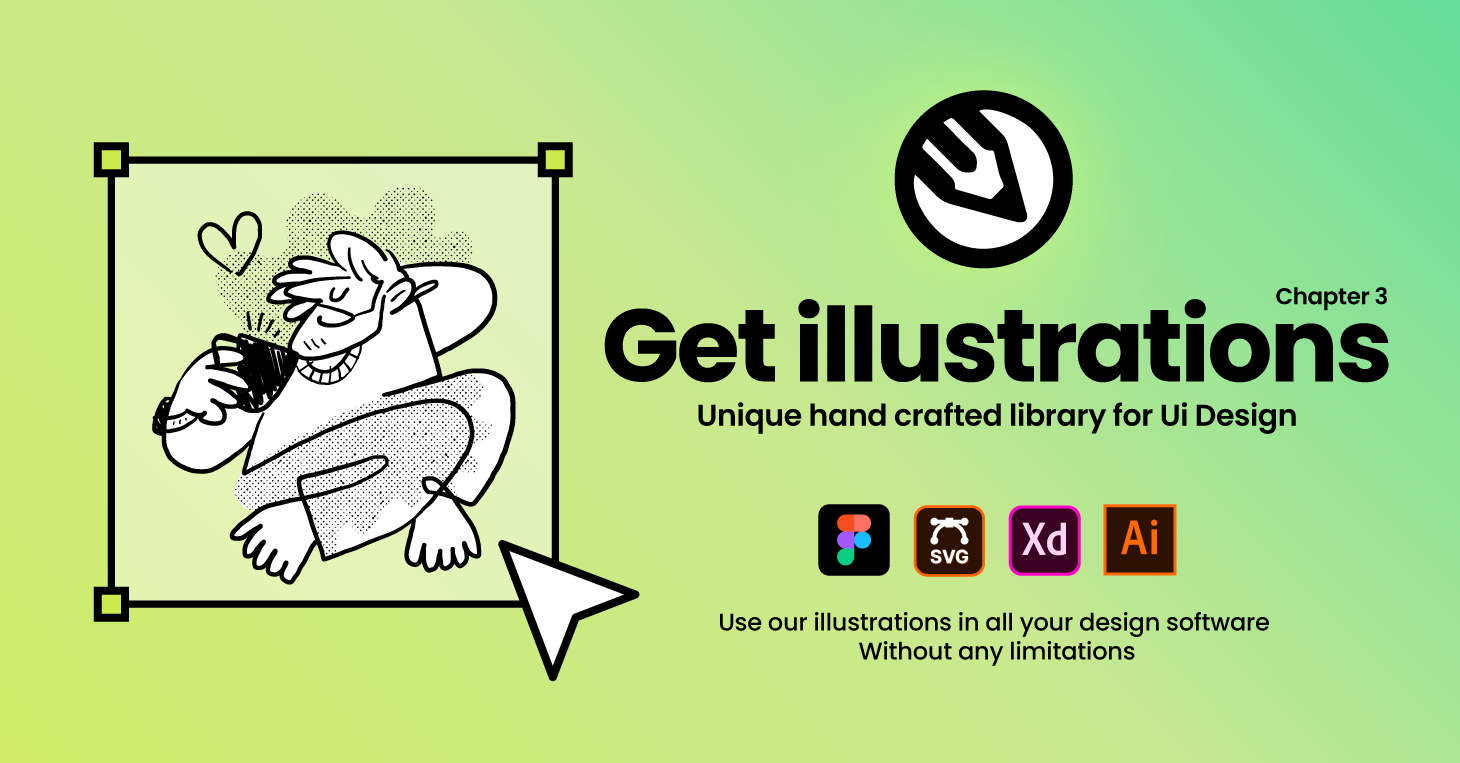
Designers, marketers, and content creators frequently hit the same snag: you need attractive, on-brand visuals fast, but commissioning custom art is slow and expensive. Stock libraries promise speed, but many deliver inconsistent quality, restrictive licensing, or awkward file formats. The 170,000+ Royalty-Free Vector Illustrations & Icons library by GetIllustrations aims to solve that problem with a massive, hand-drawn vector collection in SVG, PNG, and Adobe Illustrator (.ai) formats—purportedly ready for commercial projects without attribution. This review walks through whether it really saves time, stays flexible, and is worth integrating into a creative workflow.
Specifications & Materials
- Formats: SVG, PNG, Adobe Illustrator (.ai) — native vector files that scale cleanly for web and print.
- License: Royalty-free with commercial use allowed (paid plans include commercial license and no attribution required).
- Art direction: Hand-drawn assets created by designers (not AI-generated), covering illustrations and icon sets.
- Library size: Over 170,000 assets spanning characters, scenes, objects, and icons.
- Organization: Packs and collections, with free starter packs alongside premium collections.
- Delivery: Instant downloads; assets come as ready-to-edit vectors and raster exports.
- Quality: Consistent line work, layered AI files for editing, SVGs optimized for small file sizes.
Real-world experience — Pros & Cons
Pros
- Huge variety: The breadth means you can usually find a visual that fits a niche concept without custom illustration.
- True vector flexibility: SVG and .ai files open cleanly in Figma, Illustrator, Sketch (SVGs) and can be recolored or reworked quickly.
- Hand-drawn look: Assets feel crafted, with consistent style families you can mix across pages or campaigns.
- Commercial-ready: Paid plans include a commercial license so you don’t need to worry about attribution in client work.
- Time-saver for non-designers: Marketers and product managers can assemble visuals with minimal designer input.
- Optimized files: SVGs are typically lightweight and web-friendly, which helps page load speeds.
Cons
- Subscription model for full access: The best value comes via paid plans — some premium packs are gated behind a subscription.
- Search can be hit-or-miss: Broad keyword coverage is good, but very niche queries sometimes return fewer solid options than larger multi-format marketplaces.
- Style consistency across every pack: While many collections are cohesive, occasional packs vary in line weight or character proportions, requiring small edits for full consistency.
- Editing learning curve: Non-designers may need basic Illustrator or Figma knowledge to fully customize layered .ai files.
- License tracking: As with any stock library, teams should keep records of license terms per project to avoid confusion—especially when mixing free vs. premium assets.
“In my experience, the library is a reliable time-saver—most illustrations drop into a landing page or slide deck with minimal tweaking. For pixel-perfect brand work you’ll still want a designer, but for fast, professional visuals it's an excellent resource.”
🎁 Unlock Coupons & Deals View all available discount codes
Quick comparison with competitors
| Feature | GetIllustrations (170k+) | Freepik | Envato Elements |
| Library focus | Vector-first illustrations & icons | Vectors, photos, PSDs (mixed quality) | Design assets, templates, video, audio |
| File formats | SVG, PNG, .ai | SVG, PNG, EPS | SVG, PNG, .ai + many other media |
| License | Royalty-free (paid plans include commercial/no attribution) | Freemium with attribution or paid license | Commercial license with subscription |
| Best use case | Illustration-first projects, UI, marketing | Quick assets for mockups and small projects | All-in-one creative resource hub |
Who is this product best suited for?
- Designers who need large volumes of illustrations with consistent styles for client work or products.
- Marketers and content creators who want fast, editable visuals for landing pages, emails, and social posts.
- Product teams and UI designers looking for vector assets that integrate with Figma or Sketch.
- Small businesses and agencies that need commercial-licensed artwork without the cost and delay of bespoke illustration.
- Educators and course creators who want polished visuals for slide decks and course materials.
Final thoughts and buying advice
The 170,000+ collection is strong where it matters: format flexibility, hand-drawn quality, and a large, searchable library that accelerates creative workflows. If you regularly produce marketing materials, build interfaces, or maintain brand collateral, it will likely reduce the time and budget spent chasing ad-hoc visuals. The trade-offs are typical of any stock library — subscription dependence for full access and occasional style variance — but these are manageable if you factor the library into a regular production process.
Looking to buy? If you decide to subscribe or purchase premium packs, check my store for current discount codes and special offers that can lower the initial cost. They appear periodically and can make trying the library a better value for teams and frequent users.
Quick practical tip
Start by downloading a few free packs and a single premium collection that matches your primary project. Test editing the .ai files in Illustrator or importing SVGs into Figma to confirm the workflow before committing to a broader plan.