
Gobii Review — AI Coworkers for Teams: Worth it?
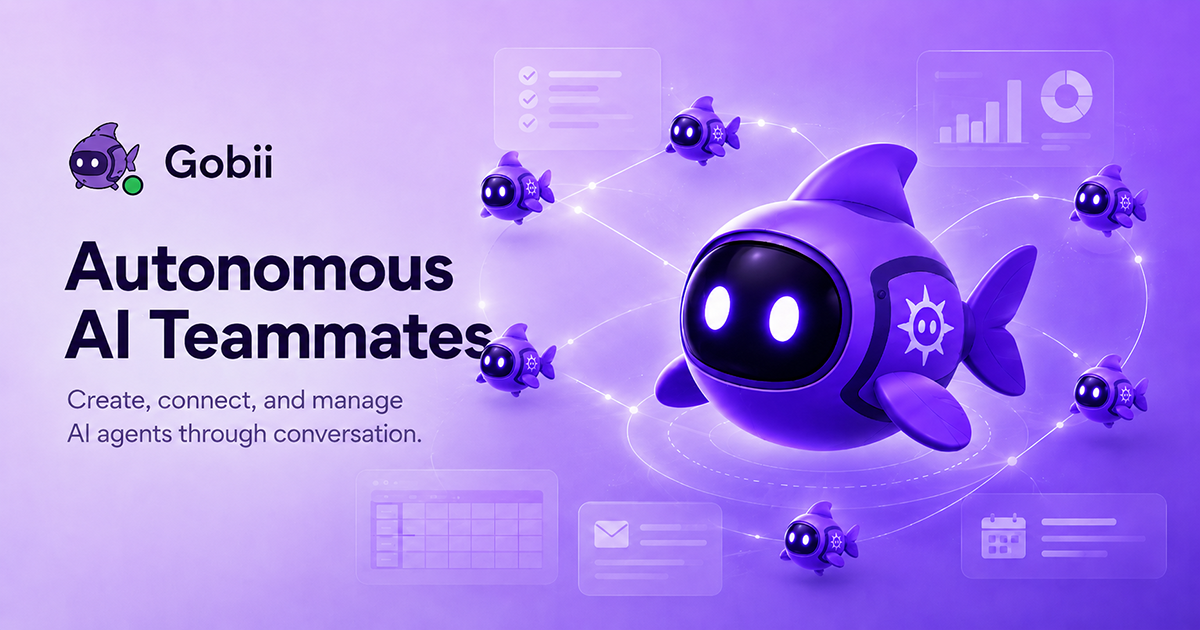
Teams today are swamped with repetitive tasks: gathering web data, drafting routine emails, compiling reports, and triaging requests. The promise of an “AI coworker” is attractive — a reliable assistant that remembers context, acts with an identity, and connects to the tools you already use. Gobii positions itself exactly there: virtual coworkers with memory, identity and web tools that can work 24/7. This review walks through what Gobii delivers, where it falls short, and who should consider it.
Why Gobii attempts to solve a real problem
Many teams waste hours on low-signal, repetitive work that doesn’t need a full-time human. The hard part is creating an assistant that: (1) understands context across interactions, (2) safely accesses live web data and internal tools, and (3) hands off clean outputs to teammates. Gobii’s agent model — individualized AI coworkers that browse, collect, and report — is built to bridge the gap between basic chatbots and fully integrated automation.
Specifications & Materials (Material & Quality)
- Agent model: Individual virtual coworkers with identity and memory to retain context across sessions.
- Data access: Web browsing capability plus connectors for common workplace tools (email, document stores, messaging — availability varies by integration).
- Outputs: Automated reports, summaries, data pulls, and task-based responses delivered by email or chat.
- Security & controls: Team-level access controls, permissioned data access, and activity logs (enterprise features may include stronger compliance controls).
- Reliability & uptime: Designed for 24/7 operation; real-world performance depends on integrations and account limits.
- UI & UX: Modern, dashboard-based UI for managing agents and reviewing outputs; onboarding walkthroughs available.
Build quality (software)
Gobii feels like a mature SaaS product: clean interface, clear agent setup, and visible audit trails. Its “memory” and agent identities are useful differentiators — they allow each agent to behave consistently and hold onto context without re-instruction every time. Integrations are solid for mainstream tools, though niche or legacy systems may need workarounds.
Real-world experience — Pros & Cons
Pros
- Time-saver on repetitive work: Daily reports, data pulls, and routine outreach were the biggest wins — agents reduced manual effort and turnaround time.
- Persistent memory: Agents retain preferences and context across sessions, reducing repeated instructions and improving consistency.
- Web browsing and data collection: Useful for market monitoring, competitor scanning, and quick research tasks that require live information.
- Team collaboration: Multiple agents can be assigned to projects, and outputs are easy to share with colleagues.
- Customization: You can tune an agent’s personality and scope, which helps when handing an agent to a specific role (sales, product, research).
Cons
- Accuracy and hallucinations: As with any web-capable model, occasional inaccuracies and overconfident assertions appear. Verification is still required for sensitive outputs.
- Onboarding complexity: Initial setup for integrations and agent tuning takes time; small teams may find the configuration overhead non-trivial.
- Integration gaps: While mainstream tools are supported, bespoke or on-prem systems may require engineering work.
- Cost considerations: Running multiple active agents with high-volume web scraping or API calls can add up — budget for ongoing usage rather than just a one-time setup fee.
- Privacy sensitivity: If you plan to surface proprietary data, double-check enterprise-grade security options and SLAs.
“In practical use, Gobii's biggest advantage is consistency: agents remember and behave like teammates. The trade-offs are configuration time and the usual need to validate outputs.”
Quick comparison
| Feature | Gobii | ChatGPT (OpenAI) | Notion AI |
| Virtual agent identity & memory | Yes — per-agent memory and identity | Session-based, with limited persistent memory unless enterprise features used | Limited; focused on content within workspace |
| Web browsing & live data | Built-in browsing & data collection tools | Available in some tiers (e.g., plugins or browsing-enabled models) | No general web browsing; works inside Notion content |
| Team collaboration | Designed for team workspaces and shared agents | Available via enterprise features and shared accounts | Strong for docs and workflows within Notion |
| Best use case | Automated research, reporting, and agent-based workflows | General-purpose conversational AI and developer integrations | Content creation inside productivity docs |
Who is Gobii best suited for?
- Teams with recurring data and reporting needs — marketing ops, research teams, and competitive intelligence.
- Small to mid-size businesses that need automation but lack the engineering resources to build custom agents.
- Remote or distributed teams that want consistent, always-on assistance to reduce context-switching.
- Agencies and consultants who want white-labeled agents that can be tuned for clients.
Final verdict
Gobii is a compelling product if you need persistent, team-focused AI coworkers that can access live web data and perform recurring tasks reliably. Its agent identity and memory are real productivity multipliers. The trade-offs are typical for this category: initial setup time, validation of automated outputs, and budgeting for ongoing usage. For teams ready to invest some time in configuring agents and managing security, Gobii can save substantial manual work.
Interested? If you decide to try Gobii, keep an eye out for discount codes or special offers available when purchasing through my store — they can make the onboarding decision easier.