
GetIllustrations Review: Worth it for Designers, Marketers, and Content Creators?
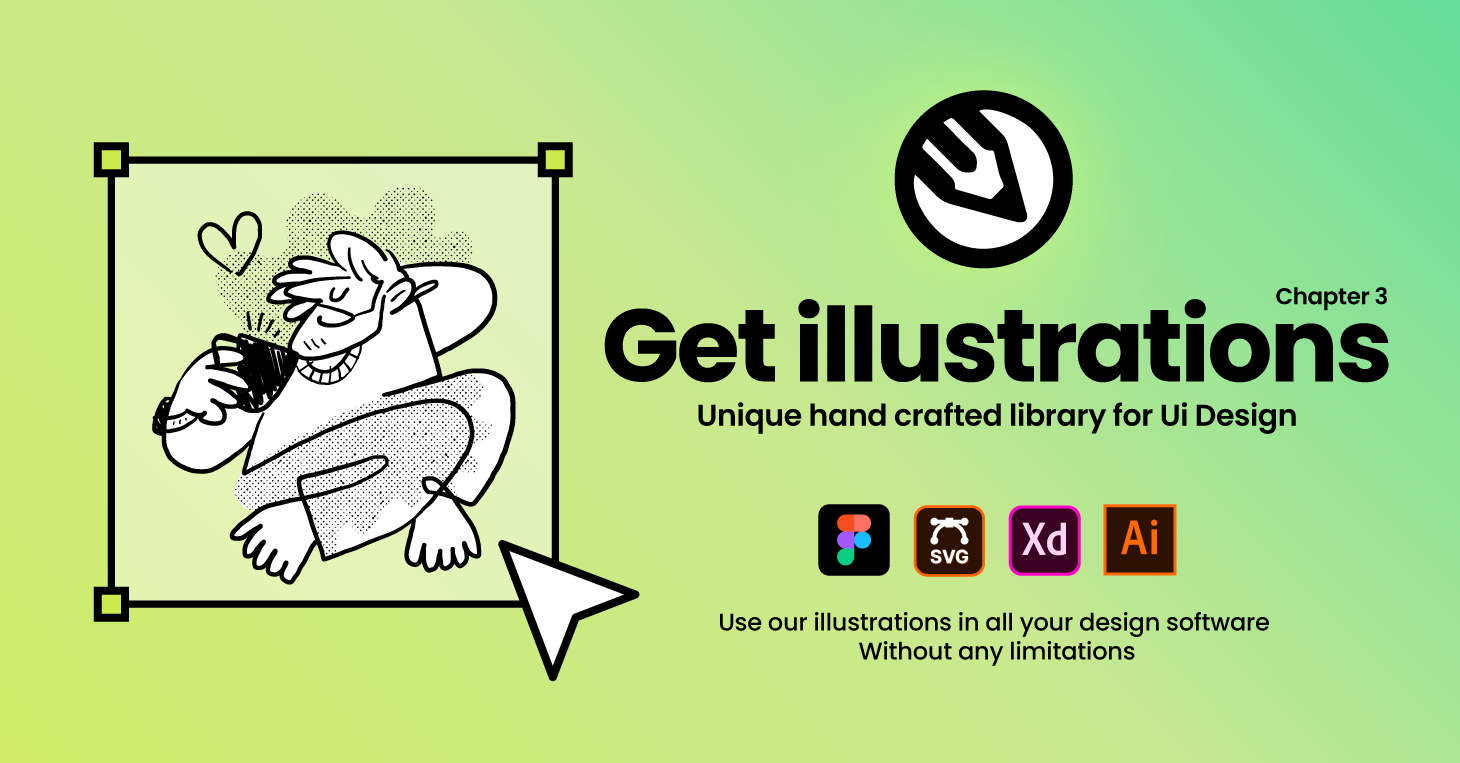
Introduction — the problem this product solves
Designers, marketers, and product teams regularly face the same friction: finding high-quality, original illustrations and icons that are both flexible and legally safe to use in commercial work. Stock photos and generic icon packs often look overused; commissioning custom art is time-consuming and expensive; many libraries bundle raster-only assets that aren’t easy to edit. GetIllustrations’ 170,000+ library aims to address those pain points by offering a massive collection of hand-drawn vector illustrations and icons in editable formats with commercial licensing options.
Specifications & Materials (Material & Quality)
- Library size: 170,000+ vector illustrations and icons (mix of free packs and premium collections).
- File formats: SVG, PNG, and Adobe Illustrator (.ai) — suitable for web, UI, print, and editorial use.
- Design approach: Hand-drawn by designers (not AI-generated), designed to be editable and scalable.
- Licensing: Paid plans include a commercial license with no attribution required; free packs are available with more limited terms.
- Organization: Packs and themed collections, searchable tags and categories, frequently updated collections.
- Compatibility: Works with Adobe Illustrator, Figma, Sketch, and most modern design and web workflows that support SVG/AI files.
Real-world experience — Pros & Cons
Pros
- High-quality, editable vectors: SVG and AI files allow color, stroke, and layout edits without loss of fidelity — very useful for brand-customized visuals.
- Large and diverse catalog: 170,000+ assets cover many styles and topics, which reduces the need to source multiple libraries.
- Designer-authored artwork: The hand-drawn aesthetic feels more original than many algorithm-generated alternatives.
- Format flexibility: Ready-to-use PNGs for quick web work and SVG/AI for production-quality edits.
- Time-saver: Themed packs and pre-made scenes speed up mockups, pitch decks, and marketing collateral creation.
- Commercial license on paid plans: Eliminates attribution headaches for client work (verify exact terms for your use case).
Cons
- Style consistency: Because many different artists contribute, pack-to-pack stylistic consistency can vary — mixing collections may require tweaks to harmonize color/line weight.
- Discovery can be overwhelming: With such a large catalog, finding the exact visual you want sometimes requires patience and refined search queries.
- Some editing required: Complex scenes may need minor cleanup or layer reorganization in Illustrator to fit precise brand needs.
- Free vs. premium split: The best assets are often behind the paid plan; free packs are useful but limited in scope.
- Subscription model caveats: As with any subscription library, long-term access depends on maintaining an active plan — check license portability for downloaded assets if you cancel.
Quick comparison with competitors
| GetIllustrations | Large library focused on hand-drawn vector packs, native AI/SVG formats, commercial license on paid plans, strong for illustration-led branding and marketing. |
| Envato Elements | Huge marketplace that includes templates, stock photos, and vectors. Excellent value for multi-asset users (templates + assets), but not all vectors are designed as cohesive illustration systems. |
| Adobe Stock | Very broad collection and deep integration with Adobe apps. Strong for photo-heavy needs and vetted contributors; vector selection is solid but tends to be pricier and more photo-focused. |
Bottom-line comparisons: If you prioritize editable illustration packs with a cohesive, hand-drawn aesthetic, GetIllustrations leans more specialized than generalist libraries like Envato. If you need deep Adobe app integration and an all-media stock solution, Adobe Stock remains a strong alternative.
🎁 Unlock Coupons & Deals View all available discount codesTarget audience — who this product is best suited for
- UI/UX designers and product teams who need scalable SVGs for interfaces and prototypes.
- Marketing teams producing landing pages, emails, and social posts that need consistent illustration systems.
- Freelance designers and agencies looking to speed up mockups and presentations with editable assets.
- Content creators and educators who want polished visuals without commissioning custom art.
- Startups and SMBs that need affordable, brandable illustrations with commercial usability.
In practice, GetIllustrations is a reliable middle ground between one-off commissioned art and generic icon packs — it saves time while giving you room to make visuals uniquely yours.
Final assessment & recommendation
GetIllustrations’ 170,000+ vector library delivers on the promise of high-quality, editable illustrations and icons. It shines when you need hand-drawn, scalable visuals that can be adapted to brand colors and layouts. Expect a short learning curve to navigate the breadth of content and occasional cleanup in complex AI files, but those are reasonable trade-offs for a library that consistently produces usable, attractive assets.
CTA: If you’re ready to explore or buy, note that there are discount codes and special offers available when purchasing through my store — check for current promotions to get the best value on a paid plan.
Quick pros & cons summary
- Pros: Editable vectors, large curated library, designer-authored, multiple formats, commercial licensing on paid plans.
- Cons: Variable style consistency, best content behind paywall, discovery can be time-consuming.