
metabox
7 Coupons, 7 Verified Coupons










metabox Coupons and Promo Codes
Meta Box Review — Worth it for Dynamic WordPress Sites?

Introduction — the problem and how Meta Box aims to solve it
WordPress is great for content, but as projects grow beyond posts and pages you quickly hit the limits of the default editor: you need structured fields, custom post types, relationships and reliable ways to output dynamic data. Many site owners and developers struggle with plugins that are either too heavyweight, too closed-source, or too limiting in API and performance.
Meta Box positions itself as a modular framework to create, manage and display custom fields and dynamic data on WordPress sites. It promises a developer-friendly API, a library of extensions for extra features, and a lightweight footprint so sites remain fast. This review walks through the developer experience, real-world usage, and whether it’s worth adopting for your next project.
Specifications / Materials (Material & Quality)
| Product | Meta Box (core plugin + premium extensions) |
| Developer | Meta Box team |
| Type | Framework / Custom fields plugin |
| Compatibility | WordPress 5.x / 6.x, PHP 7.2+ (check latest requirements) |
| Distribution | Free core plugin on WP.org; premium extensions and bundles from Meta Box site |
| Material & Code Quality | Modular, well-documented functions and classes, focused on performance and developer control |
What I liked about the build and quality
- Modular architecture: a small core with optional extensions avoids loading unused code.
- API-first: functions and hooks make it easy to register and render fields via PHP, and integrate into templates or Gutenberg blocks.
- Documentation and examples are thorough for developers; code follows common WordPress practices.
Real-world experience — Pros & Cons
I've used Meta Box across brochure sites, custom directories and a WooCommerce-powered shop. Here’s how it performed in practice.
Pros
- Performance: The core is lightweight. When you only enable the extensions you need, the overhead is minimal compared with heavier builders.
- Developer control: Register fields programmatically, output them in templates, or create custom blocks — it suits developers who want full control.
- Flexible field types: Repeater fields, relationships, file uploads, conditional logic and more are available via extensions.
- Integrations: Plays well with page builders and theme code; good compatibility with Gutenberg and classic templates.
- Documentation & examples: Clear guides and code snippets shorten the learning curve for PHP-savvy users.
Cons
- Learning curve for non-devs: Compared to plugins with visual builders, Meta Box is more developer-oriented. Non-technical users can manage content once fields exist, but setup often requires PHP or a UI extension.
- Extension-based pricing: Useful features are split into paid extensions. Costs can add up if you need multiple add-ons across many sites.
- UI polish: The admin UI is functional but not as slick as some premium competitors aimed at end-users.
- License model considerations: Depending on your needs, site-based licenses can be a factor for agencies managing many client installs.
Quick comparison: Meta Box vs ACF Pro and Toolset
| Feature | Meta Box | ACF Pro | Toolset |
| Developer focus | High (API-first) | High (API + UI) | Mixed (UI + site-building) |
| Performance | Lightweight, modular | Efficient core; Pro adds features | Feature-rich but heavier |
| Ease for non-devs | Moderate (needs setup) | Good (simple UI) | Best for no-code site building |
Target audience — who should consider Meta Box?
- Developers and agencies building custom WordPress projects that require precise control over data structures.
- Power users who value performance and modularity over all-in-one visual builders.
- Sites that need complex relationships, repeaters, and custom rendering in templates (directories, marketplaces, catalogs).
- Not ideal if you want a fully visual, no-code field-builder experience for non-technical editors.
Bottom line: Meta Box is a fast, developer-friendly framework that shines when you need structured, dynamic content and full control. If you prefer a visual, no-code workflow for building fields, competitors may be easier out of the box.
Pricing (USD)
At the time of this review, Meta Box is available as a free core plugin with premium extensions. Typical pricing tiers are:
- Free core plugin on WordPress.org (basic fields)
- Premium extensions and single-site licenses starting at about USD 49/year
- All-in-one bundles (multiple extensions + support) around USD 199/year (plans and pricing subject to change)
Final verdict — Worth it?
If you’re a developer or an agency that needs a performant, API-driven custom fields framework, Meta Box is worth adopting. It delivers strong performance, robust APIs and modular features that keep sites lean. For non-developers looking for an entirely visual setup, consider whether the administration UX and extension costs fit your workflow.
Interested in trying Meta Box? I recommend starting with the free core to evaluate workflow and compatibility. Also check my store for discount codes and special offers available when purchasing premium licenses or bundles through my storefront.
About store
Meta Box — Framework for Dynamic WordPress Websites
Build and manage structured content and custom fields for WordPress with tools designed for developers and site builders.
Brand overview
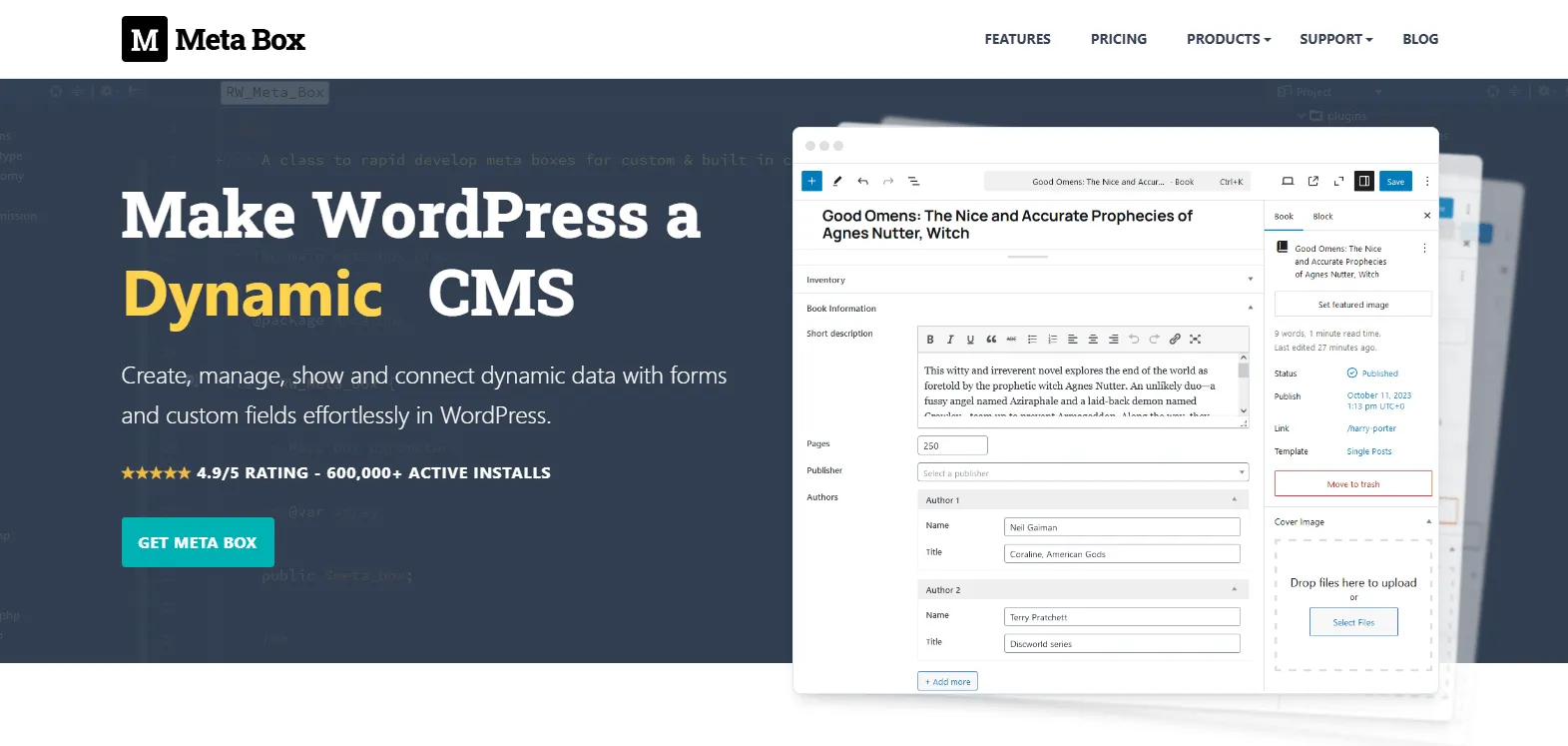
Meta Box is a framework that extends WordPress to support dynamic content through custom post types, custom fields, settings pages, relationships, user profiles, front end forms, custom tables and custom models. The project reports 600,000+ active installs and a 4.9 out of 5 rating in the source material.
Product and usage
Use Meta Box to create custom post types and to build back end and front end forms for collecting and displaying structured data. The framework includes visual builders and suggested code snippets to help display fields with page builders or within themes. It is presented as suitable for developers, agencies and website builders working on content driven sites and web applications.
Key features
- 50+ field types for a wide range of content inputs and data structures
- 25+ extensions that add functionality such as custom tables, blocks, views and REST API support
- Integration options for page builders including Bricks, Elementor, Divi and Oxygen
- Support for saving data to custom database tables to reduce reliance on default meta storage
- REST API support to include meta values in API responses
Technology and design
The framework is modular and follows WordPress coding standards. It supports Composer for managing extensions, includes a PHP based approach to creating Gutenberg blocks, and provides a views system for building front end templates without modifying theme files. Assets and files are loaded on demand to limit unnecessary resource usage.
Why Choose Meta Box
- Flexible architecture for defining custom post types and structured fields
- Modular extensions so projects include only the functionality required
- Options for custom database tables to address specific performance needs
- Compatibility with popular page builders and REST API workflows
- Documentation and tutorials covering practical, real world use cases
- Designed with developer workflows and site editors in mind
Get started
Review the available bundles and extensions, consult the documentation and tutorials, and evaluate Meta Box for projects that require structured, dynamic content management in WordPress.
How to apply metabox coupon codes
Step 1: Find your metabox Coupons, discount codes on this page or Urban Man Review and click "GET CODE" button to view the code, then click "Copy" and the coupons, discount codes will be copied to your phone's or computer's clipboard.
Step 2: Go to metabox then select all items you want to buy and add to shopping cart. When finished shopping, go to the metabox checkout page.
Step 3: During checkout, find the text "Promo Code" or "Discount Code" and paste your metabox coupons, discount codes in step 1 to this box. Click "Apply" and your savings for metabox will be applied.
metabox Questions & Answers
| Q: Why should I visit Urban Man Review for metabox coupons? A: Urban Man Review collects the top discounts from metabox, even at the last minute while updating continually to ensure consumer savings. Coupons, promo codes, gift cards and many more can also be found on the website. |
| Q: Where to find metabox promo codes? A: Right on the website of metabox or join Urban Man Review for more options of metabox promo codes. |
| Q: Will all metabox discounts automatically be applied at checkout? A: No. It depends on each metabox deal. Some require you to apply a code at discount field while some are applied automatically. |
| Q: Can you give me a guide for using metabox coupon codes? A: Follow the guide below to score metabox coupon: - Copy the coupon code that fits your order. - Navigate to metabox and add your favorite items into the cart. - Apply code at checkout and enjoy saving. |
| Q: Are there any metabox Gift Cards available? A: If a metabox Gift Card is available, it will be aggregated above. Let’s check! |
| Q: How to use metabox coupon code? A: Visit metabox on Urban Man Review and pick the coupon making your order the biggest saving. Click GET CODE or GET DEAL for code displaying and enjoy the discount. |
| Q: How often does metabox release a new coupon? A: For normal days, there is no specific frequency for metabox coupon releasing, but it tends to give out once per month. On the peak times of shopping, deals and discounts will be constantly launched and much bigger. |
| Q: How to know if an item of metabox is eligible for a coupon? A: Each option of metabox coupons or deals comes with a detailed description for eligible items and the discount rate. Pick the right choice for your order. |
| Q: How long are metabox deals valid? A: metabox will announce how long their promotional program will last. metabox deals will also be valid within that period of time. |
| Q: How are errors about metabox coupons reported? A: Let us know at 'Contact Us'. Describe your problems and the errors about metabox coupons in detail, we will solve it as soon as possible. |
| Q: When to use metabox coupons to save at best? A: Go to metabox and find the time that coupon is applicable. Huge discounts and deals tend to be available in a short period of time, requiring buyers to hurry. Be ready at that time to save at best. |
| Q: How to get metabox free shipping offer? A: Check metabox coupons at Urban Man Review to find a deal of free shipping. Learn the condition for using the offer to make sure your order can meet it. |
| Q: Who to contact if I am having trouble using a metabox coupon? A: That metabox coupon may expire at that moment. Shopping at metabox and then contact its owner to let them know your issue. |
| Q: Can you give me a guide for using metabox coupon codes? A: Follow the guide below to score metabox coupon: - Copy the coupon code that fits your order. - Navigate to metabox and add your favorite items into the cart. - Apply code at checkout and enjoy saving. |
| Q: What is currently the best coupon of metabox? A: As of the latest update, the best coupon of metabox can give customers a discount corresponding to half of their purchase. |
| Q: How do I find metabox coupons? A: Visiting the website of metabox regularly or checking metabox coupons on Urban Man Review is the best and easiest way to score a discount. |
| Q: How to know if the metabox coupon discount was deducted from my
purchase? A: When you apply the coupon or promo code into the discount field at metabox, the discount will be promptly deducted from your purchase. You will see both the amount of discount and the price after being discounted before clicking to finish the order. |
| Q: Does metabox have a loyalty program? A: The loyalty program of metabox will be applicable for regular customers. Thereby, they can redeem metabox awards for promotions, coupons and special sales. |
| Q: Does a sitewide coupon of metabox exist? A: If metabox makes available a sitewide coupon, it will be gathered above. Let's have a look! |
| Q: How many items can I include with a metabox discount code? A: Usually, metabox doesn't limit the number of items customers have to buy to enjoy discounts. However, they will lay down conditions on the value of your order to be eligible for applying discount codes of metabox. |