
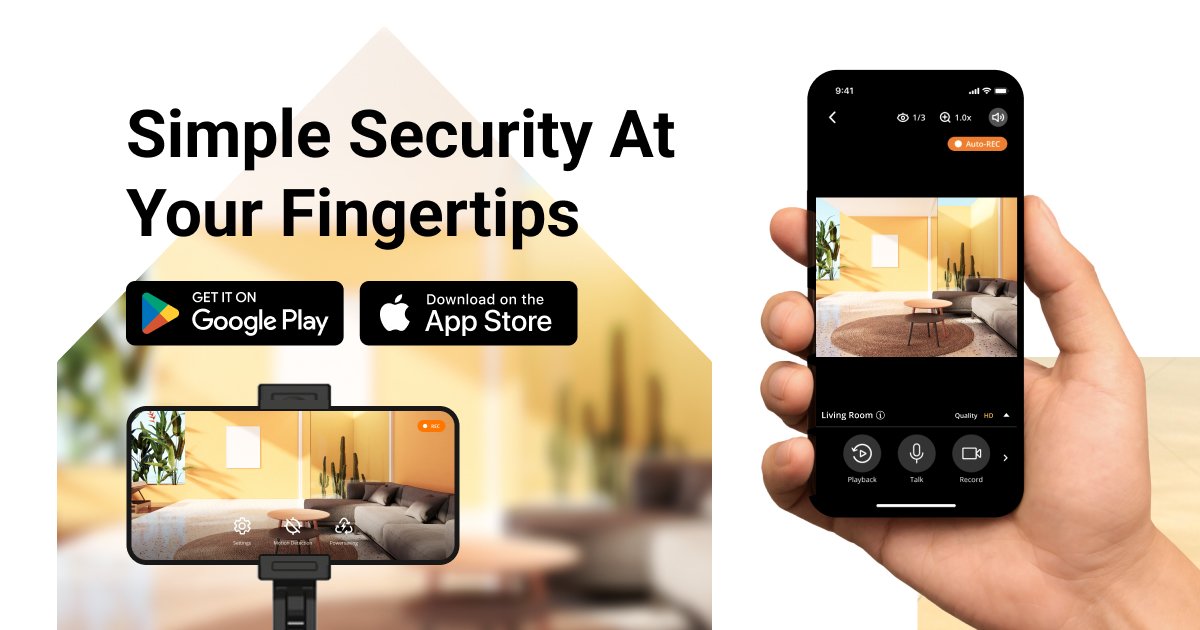
AlfredCamera | Simple Security at Your Fingertips Deal
AlfredCamera | Simple Security at Your Fingertips
About AlfredCamera | Simple Security at Your Fingertips
Turn your old phone into a wireless security camera with this top-rated app, trusted by 70,000,000 worldwide. The AlfredCamera app is compatible with Android and iOS devices, as well as PCs with webcams. It also works seamlessly with AlfredCam, our first indoor security camera.
AlfredCamera Review — Worth it? Best for Repurposing Old Phones
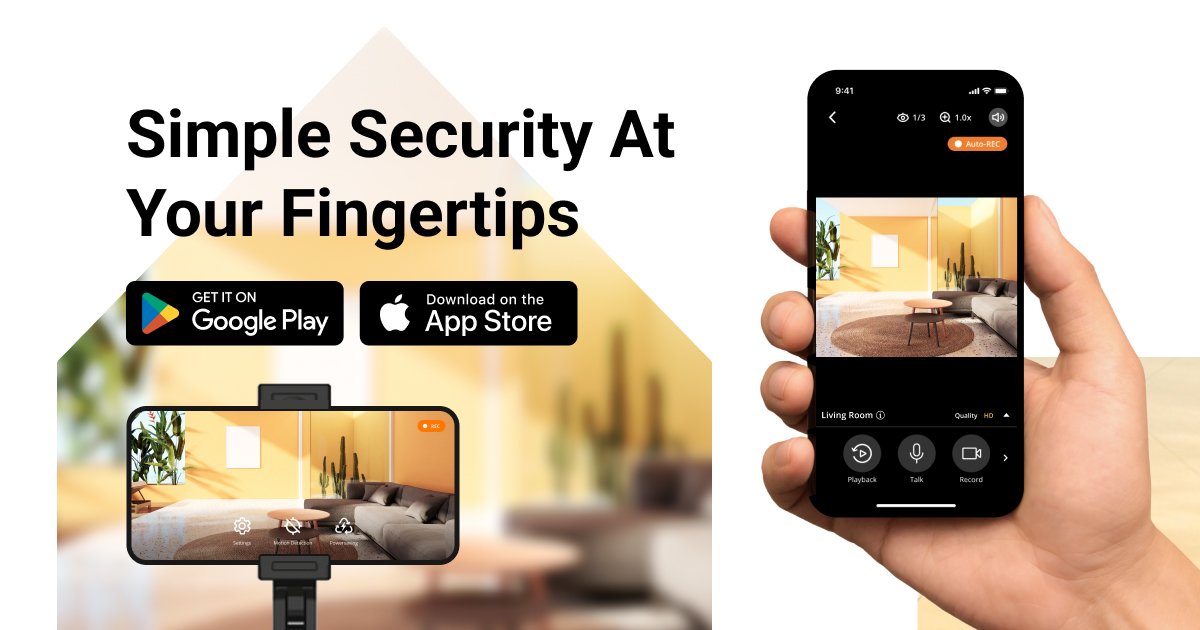
Worried about home security but don’t want to spend a small fortune on new cameras? Or have a drawer full of old smartphones gathering dust? AlfredCamera promises a simple, low-cost solution: turn your spare phone or webcam into a working security camera. In this review I’ll walk through what it actually feels like to use AlfredCamera day-to-day, how reliable it is, and whether it’s the right fit for your needs.
Material & Quality (Specifications and Build)
AlfredCamera is primarily an app-based solution (brand: Alfred). It supports:
- Platforms: Android and iOS for turn-your-phone-into-camera; web/PC access for viewing via webcam or browser.
- Video: Resolution depends on the phone/webcam (SD to HD). App supports live view, two-way audio, and night vision if the device camera supports it.
- Recording & Storage: Local device recording on the viewer or cloud options via Alfred’s subscription (continuous recording, event clips, extended cloud history on paid tiers).
- Smart features: Motion detection, person detection (premium), activity zones, push notifications, and scheduled recording.
- Hardware addition: AlfredCam — Alfred’s own indoor camera option for users who prefer a dedicated device.
- Privacy & Security: Account-based access, optional two-factor authentication, and end-user controls for camera on/off and privacy mode.
| Minimum requirement | Android or iOS phone with camera; stable Wi‑Fi |
| Best video quality | Depends on phone/webcam (supports up to device max) |
| Paid features | Extended cloud storage, person detection, continuous recording |
Real-World Experience — Pros & Cons
After setting up a few spare phones and testing daily use, here’s what stands out:
Pros
- Very easy setup: Install the app on two devices, sign in, assign one as “Camera” and another as “Viewer” — setup takes minutes.
- Great value: Free tier provides basic live view and motion-triggered clips without buying new hardware.
- Flexible: Use an old phone, tablet, or PC webcam — placement options are wide and adaptable.
- Useful smart features: Push alerts, two-way talk, and person detection (paid) reduce false alarms and improve usefulness.
- AlfredCam option: If you want a purpose-built camera, Alfred’s own indoor camera integrates neatly with the app.
Cons
- Reliant on device hardware: Video quality, low-light performance, and microphone depend on the phone/webcam you repurpose.
- Battery and power considerations: The camera device best runs plugged in; battery-only setup kills reliability quickly.
- False positives: Motion detection can trigger on pets, shadows, or passing cars unless zones and sensitivity are tuned.
- Cloud features cost extra: Continuous recording and longer cloud history require subscription; some users expect those to be included.
- Internet/Wi‑Fi dependent: Requires decent upstream bandwidth for smooth remote viewing and uploads.
In short: AlfredCamera is a smart, economical choice if you want quick home monitoring without new hardware. Expect to manage device placement and power to get the best, reliable results.
Quick Comparison: AlfredCamera vs. Wyze Cam vs. Manything
- AlfredCamera — Best if you want to repurpose old phones or use a mix of devices; easy setup, free core features, optional hardware (AlfredCam).
- Wyze Cam — Best if you want inexpensive dedicated hardware with reliable low-light performance out of the box; subscription required for advanced cloud storage but device is optimized for surveillance.
- Manything — Direct competitor for repurposing phones; similar feature set. Alfred typically has a larger user base and a more polished UI, but differences can come down to pricing and specific feature preferences (e.g., integration options).
Who Is This Best For?
- People on a budget who want basic home monitoring without buying new cameras.
- Users with spare smartphones or tablets willing to dedicate a device as a camera.
- Small business owners wanting a low-cost, flexible monitoring option for a single room or register area.
- Anyone testing out home surveillance before committing to a multi-camera system.
Final Verdict
AlfredCamera delivers on its promise: it’s a simple, low-cost way to turn unused devices into working security cameras. For basic monitoring, quick setup, and flexibility, it’s hard to beat — especially if you already have a spare phone. If you need high-quality continuous recording, advanced analytics, or off-site reliability without tinkering, consider a dedicated camera (like Wyze or AlfredCam) or a paid Alfred subscription.
Worth it? Yes, for users who want affordable, flexible monitoring and are comfortable managing device placement and power. Consider upgrading to a paid tier only if you need continuous cloud recording or person detection regularly.
Call to Action
If you’re ready to try AlfredCamera, check out Alfred’s app on iOS or Android and test it with a spare phone. Also, if you purchase AlfredCam hardware or upgrade to a premium plan through my store, I often have special offers — look for promo codes at checkout (for example, REVIEW10) to save on AlfredCam or your first month of premium cloud service. Happy monitoring, and feel free to ask if you want setup tips tailored to your home layout.