
Pacdora Review: Worth it for Packaging Designers and Creative Teams?
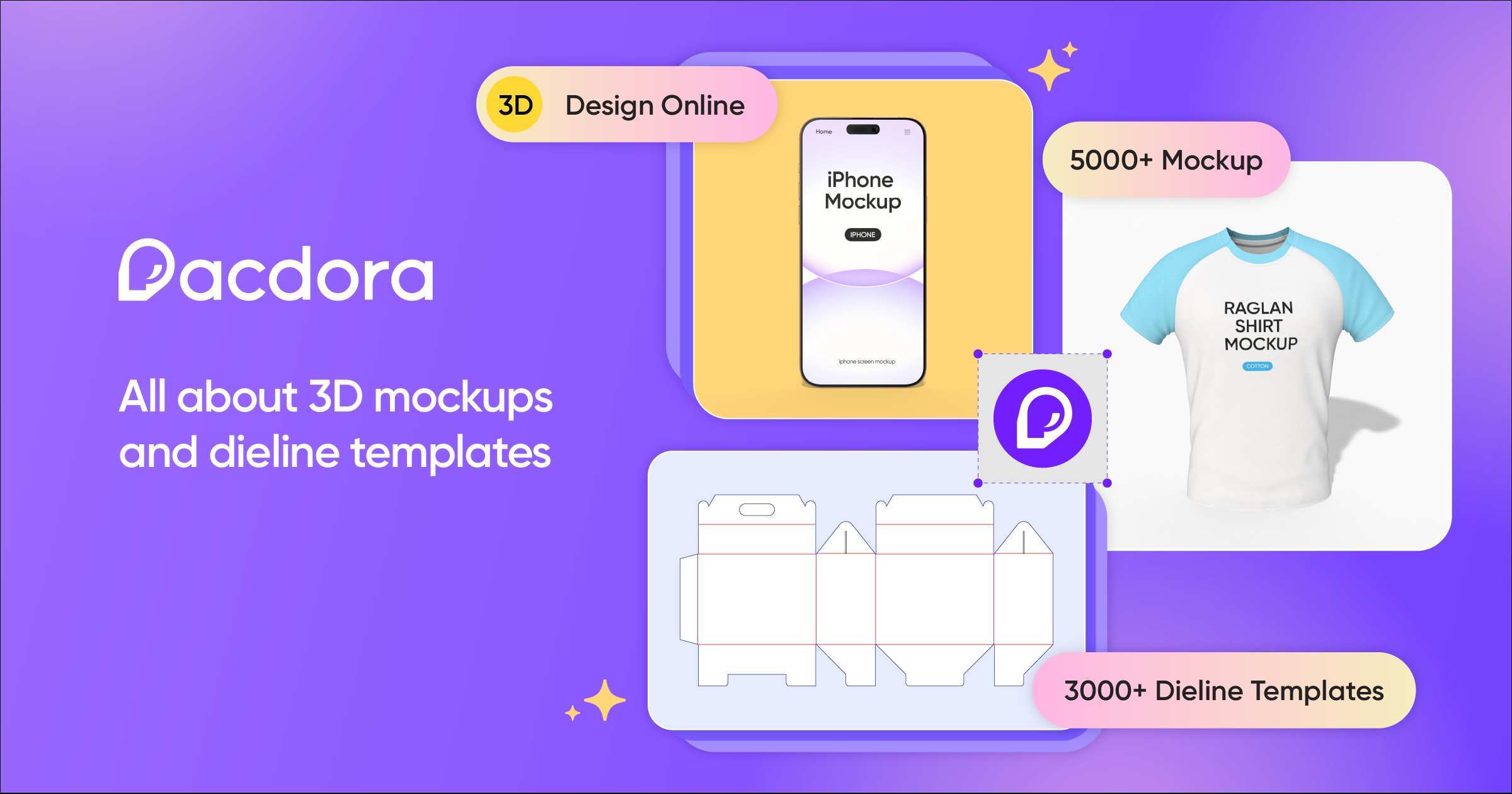
Designers, brand owners, and packaging teams frequently run into the same problem: creating accurate, production-ready packaging mockups and dielines is time consuming, error prone, and often requires juggling multiple tools. Pacdora positions itself as a one-stop library and workflow accelerator—offering mockups, dielines, design templates, and built-in AI for 3D packaging—promising to move concepts to launch faster and with fewer headaches.
Why Pacdora might be the solution
- Centralizes mockups, dielines, and design templates meant specifically for packaging work.
- Includes tools and assets intended to speed up common tasks: creating dielines, rendering 3D packaging previews, and preparing print-ready exports.
- Built-in AI features aim to simplify 3D design steps that usually require advanced software or manual setup.
Specifications & Materials (Material & Quality)
Pacdora is a digital asset platform, so “materials” mean asset types, file quality, and export options rather than physical components. Key points to note:
- Library scope: Marketed as one of the largest libraries of mockups, dielines, and design templates—covering consumer packaging types (boxes, labels, cartons), cosmetics, bottles, pouches, and retail packaging variations.
- File formats: Offers assets in common design formats. Typical delivery includes layered PSD and AI-ready templates, vector dielines (EPS/SVG), high-resolution PNG/JPG previews, and common 3D formats for rendering workflows.
- Asset quality: Many templates are professionally structured with clear layers, bleed and trim guides, and high-resolution render outputs suitable for presentations and prepress review.
- AI/3D features: Integrated AI-assisted tools for 3D packaging mockups and quick visualization—intended to reduce the need to switch constantly between 2D design and separate 3D software.
- Licensing & usage: Standardized commercial licensing model for design assets; confirm usage terms for client projects and re-distribution.
Real-world Experience: Pros & Cons
Below I summarize how Pacdora performs in day-to-day use, based on testing workflows common to packaging designers and small brand teams.
Pros
- Specialized collection: The depth of dielines and packaging-specific mockups saves time compared with general mockup sites—fewer conversions and adjustments needed.
- Ready-for-production templates: Many assets include trim/bleed/score guides, which reduces back-and-forth with printers.
- Fast visual iteration: AI-assisted 3D previews make it easy to test label placement, finishes, and dieline folds without detailed 3D modeling skills.
- High-resolution outputs: Rendered mockups are presentation-ready and useful for marketing, pitch decks, and digital listings.
- Organization & search: Effective tagging and categories make locating a specific die or package style straightforward (important when deadlines are tight).
Cons
- Variable template complexity: While many assets are production-ready, some templates require additional cleanup or adjustments to fit unique structural specifications.
- Learning curve for 3D tools: The AI features streamline many tasks but still assume familiarity with layers, mapping, and export settings—novice users may need time to become efficient.
- Subscription considerations: Access model is subscription-based; heavy users get clear value, but occasional users should evaluate payback versus single-license purchases elsewhere.
- Licensing nuance: As with any asset library, careful reading of commercial use terms is necessary—particularly when assets are used across multiple client projects or product SKUs.
Quick Comparison
| Feature | Pacdora | Envato Elements | Placeit |
|---|---|---|---|
| Primary focus | Packaging mockups, dielines, templates | Broad creative assets (templates, video, music) | On-demand mockup generator & templates |
| 3D & AI tools | Integrated AI for 3D packaging | Limited; mostly 2D assets | Simple mockup placement, not dieline-focused |
| Best for | Packaging designers and brands | Designers needing diverse assets | Marketing assets and quick product mockups |
Who Should Consider Pacdora?
- Packaging designers and dieline specialists who need a targeted asset library and production-aware files.
- Small brands and entrepreneurs who want professional mockups and templates without hiring a structural designer for every SKU.
- Agencies and studios that produce frequent packaging concepts and need consistent, high-quality resources to speed delivery.
- Students and educators in packaging design looking for real-world templates and examples.
Final Verdict
Pacdora fills a clear niche: it’s built around packaging rather than general-purpose mockups. If your workflow centers on boxes, labels, pouches, or retail packaging, Pacdora’s focused library and AI-enabled 3D previews can save significant time and reduce avoidable production mistakes. It’s not a universal replacement for advanced 3D modeling software or a substitute for a packaging engineer on very complex jobs, but for most concept-to-prepress use cases it’s a strong, purpose-built tool.
If packaging is a core part of your work, Pacdora is worth evaluating—especially for teams that need repeatable, production-friendly templates and faster visual iterations.
Next steps
If you’re curious, try evaluating a few asset types most relevant to your projects (a dieline + a 3D mockup) to test compatibility with your prepress workflow. And keep an eye out for discount codes or special offers available through my store when you decide to subscribe—those can make trying Pacdora even more economical.